Image-to-video AI takes a single still - a photo, a product shot, a piece of artwork - and turns it into a short moving clip. It is the fastest way to get motion without filming anything, and almost every tool has a free way in. The catch is that quality, clip length and free-tier limits vary a lot from one model to the next. This guide ranks the options that are actually worth using, tells you what each one gives you for free, and points out where the watermarks and credit caps hide.
Short answer
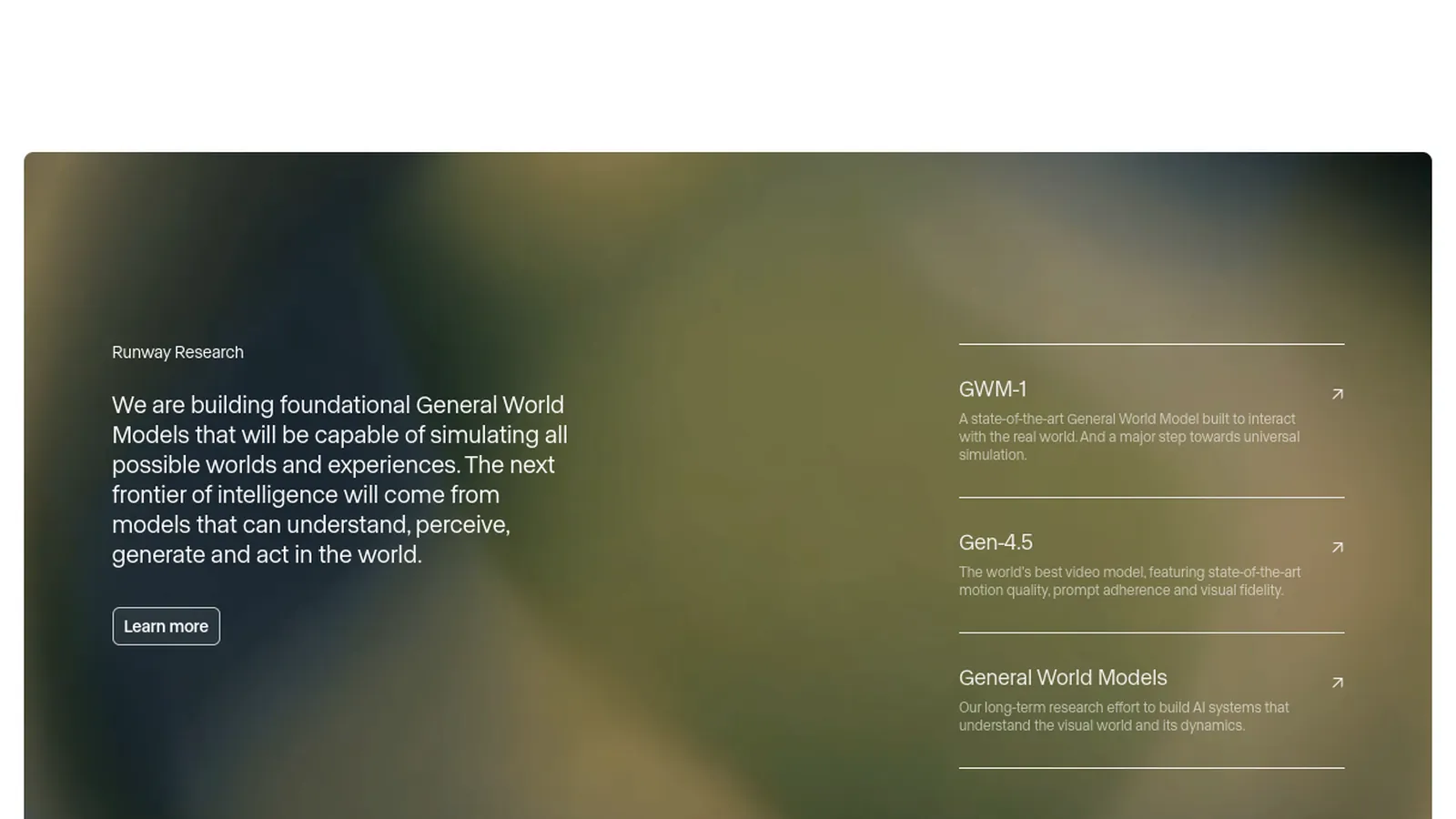
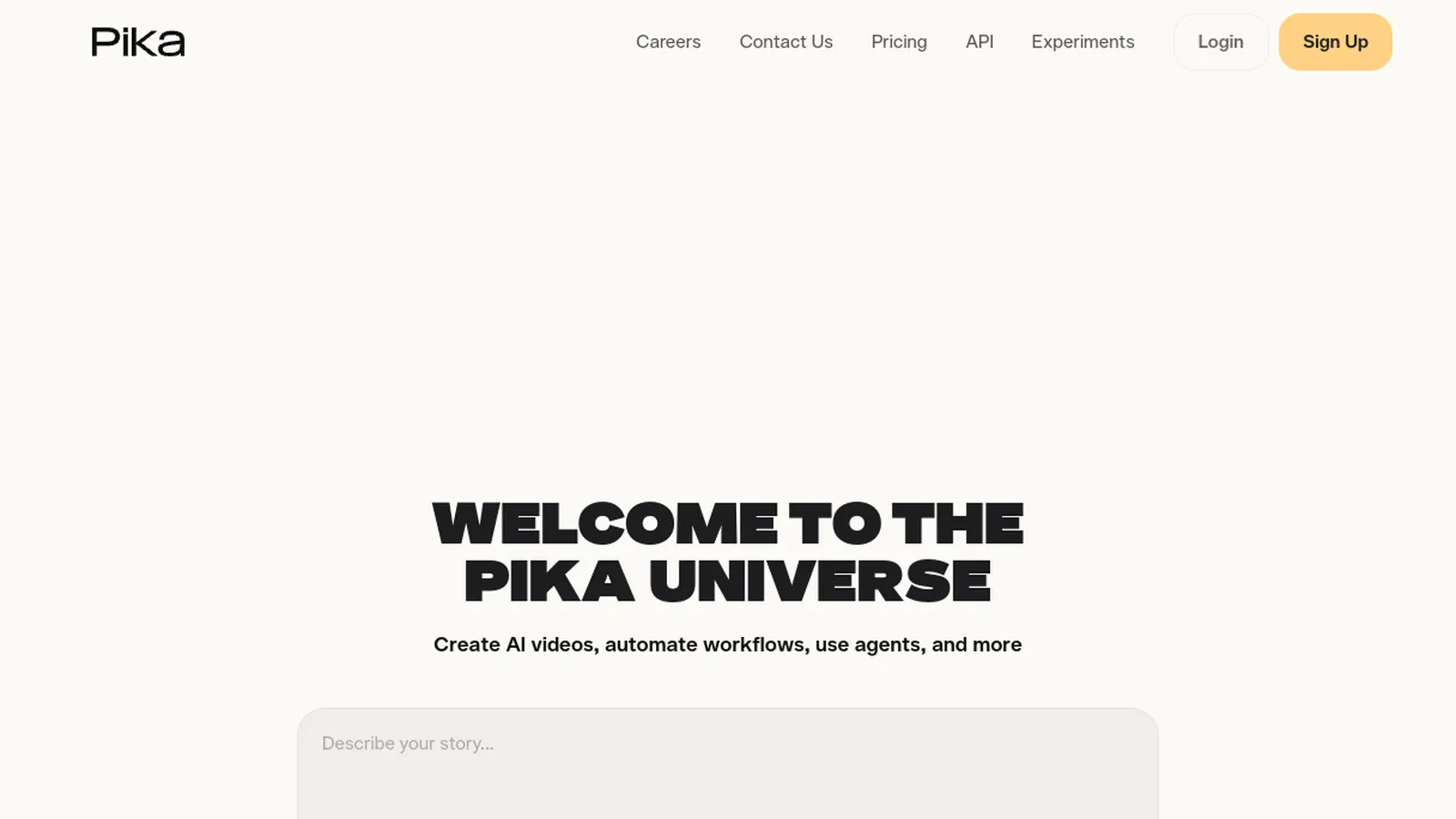
If you want one tool that covers every style of image-to-video, Deevid AI is the best starting point: it bundles Kling, Runway, Pika and more behind one login, with a free tier to test them side by side. If you already know the look you want, go straight to the specialist - Kling for cinematic motion, Runway for polished control, Pika for quick social clips. Every free tier caps you somewhere, usually with a watermark or a daily credit limit.
How image-to-video AI works
You upload a still image and, optionally, a short text prompt describing the motion you want. The model infers depth and movement and generates a clip that is typically three to ten seconds long. The better tools let you steer the camera, control motion strength, and keep the subject stable instead of melting. Everything runs in the browser, so there is nothing to install:
Upload a clear, high-resolution image - the sharper the source, the cleaner the motion.
Optionally add a prompt ("slow zoom in", "hair moving in the wind") to guide the animation.
Pick a model and clip length, generate, then download. Free tiers usually add a watermark or a queue.
Quick comparison
What the free version of each tool gives you.
Tool
Free version
Best for
Deevid AI
Free plan with starter credits
Many models in one place, plus editing
Kling AI
Daily free credits
Cinematic, realistic motion
Runway
Free starter credits
Polished control and camera moves
Pika
Free tier
Fast, fun clips for social
Vidnoz
Generous free tier
Talking photos and avatar motion
The shortlist
Ranked by output quality, how far the free tier gets you, and what you can do next.
#1
1
Deevid AI
Best overall
You want every image-to-video model in one place instead of juggling logins.
Deevid is not a single model - it is an aggregator that puts more than a dozen video models, including Kling, Runway and Pika, behind one login. For image-to-video that is a real advantage: you can animate the same photo with two different models and keep whichever looks best, without paying each service separately. The same editor also lets you extend a clip, add a voiceover, or upscale the result, so the animation is a step in a workflow rather than a dead end. There is a free plan with starter credits, and paid plans start at $10/mo.
Strengths
Kling, Runway, Pika and more behind one subscription
Compare models on the same image, then edit and upscale in place
Free tier to test, then $10/mo entry point
Watch out
As an all-in-one, the interface has more to it than a single-model tool.
You want the most realistic, film-like movement from a photo.
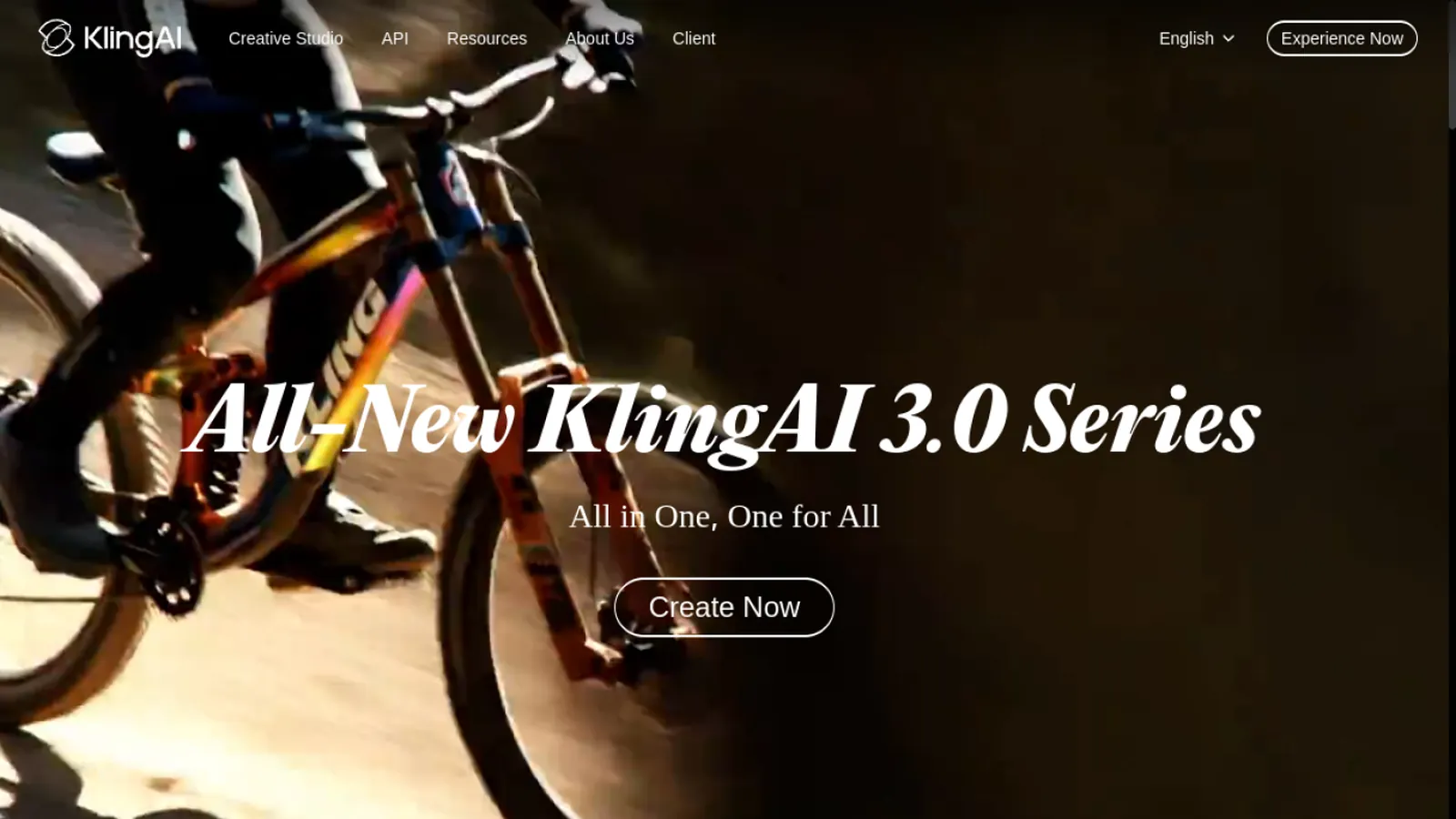
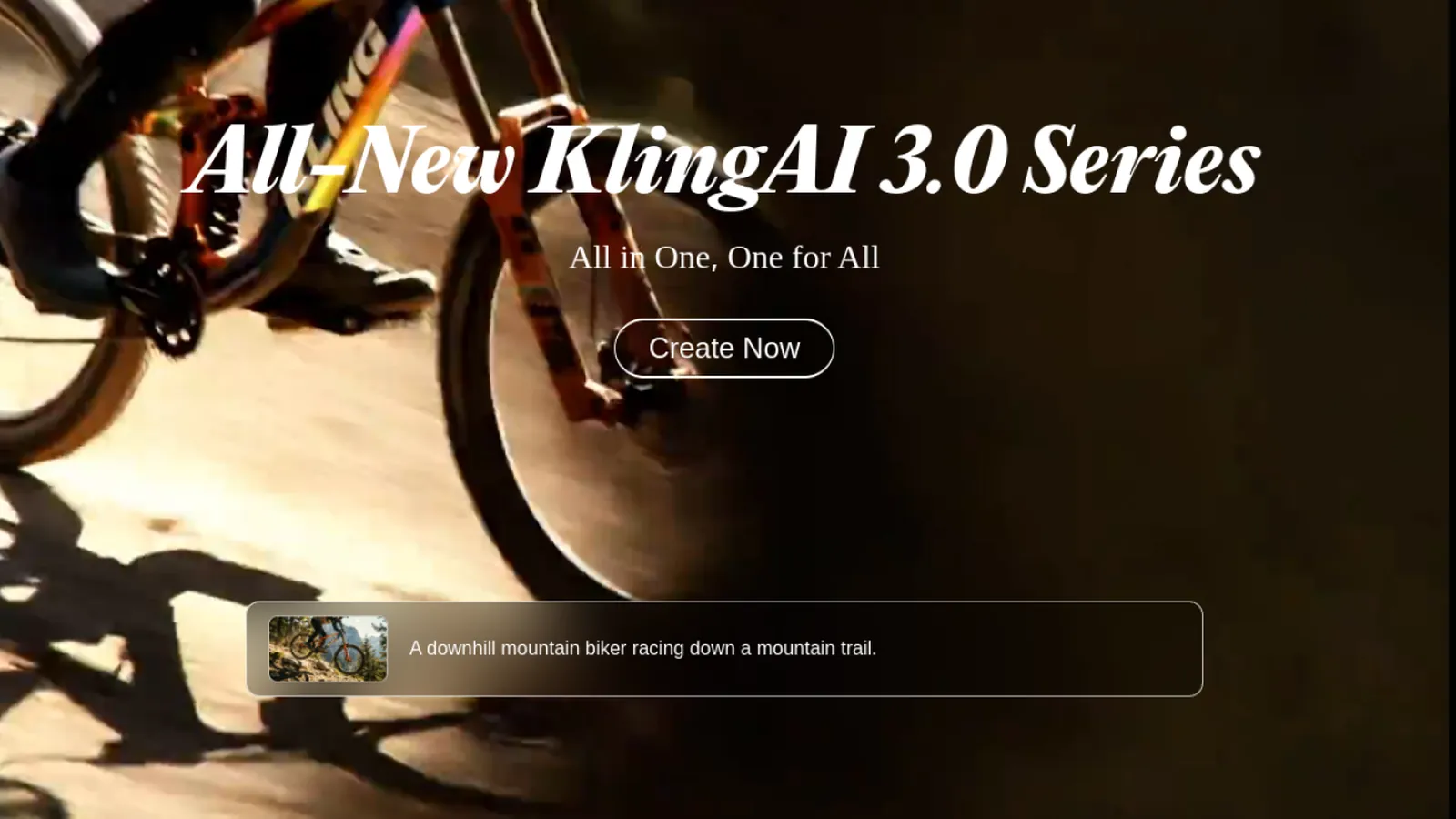
Kling has become the reference for lifelike motion - natural physics, believable camera moves and strong subject consistency. If your goal is a clip that looks shot rather than generated, Kling is usually the model to reach for. It offers daily free credits, which is enough to test it before committing.
Strengths
Very realistic, cinematic motion
Good subject stability
Daily free credits
Watch out
Free credits are capped daily, and the queue can be slow at peak times.
You want fine control over the camera and the motion.
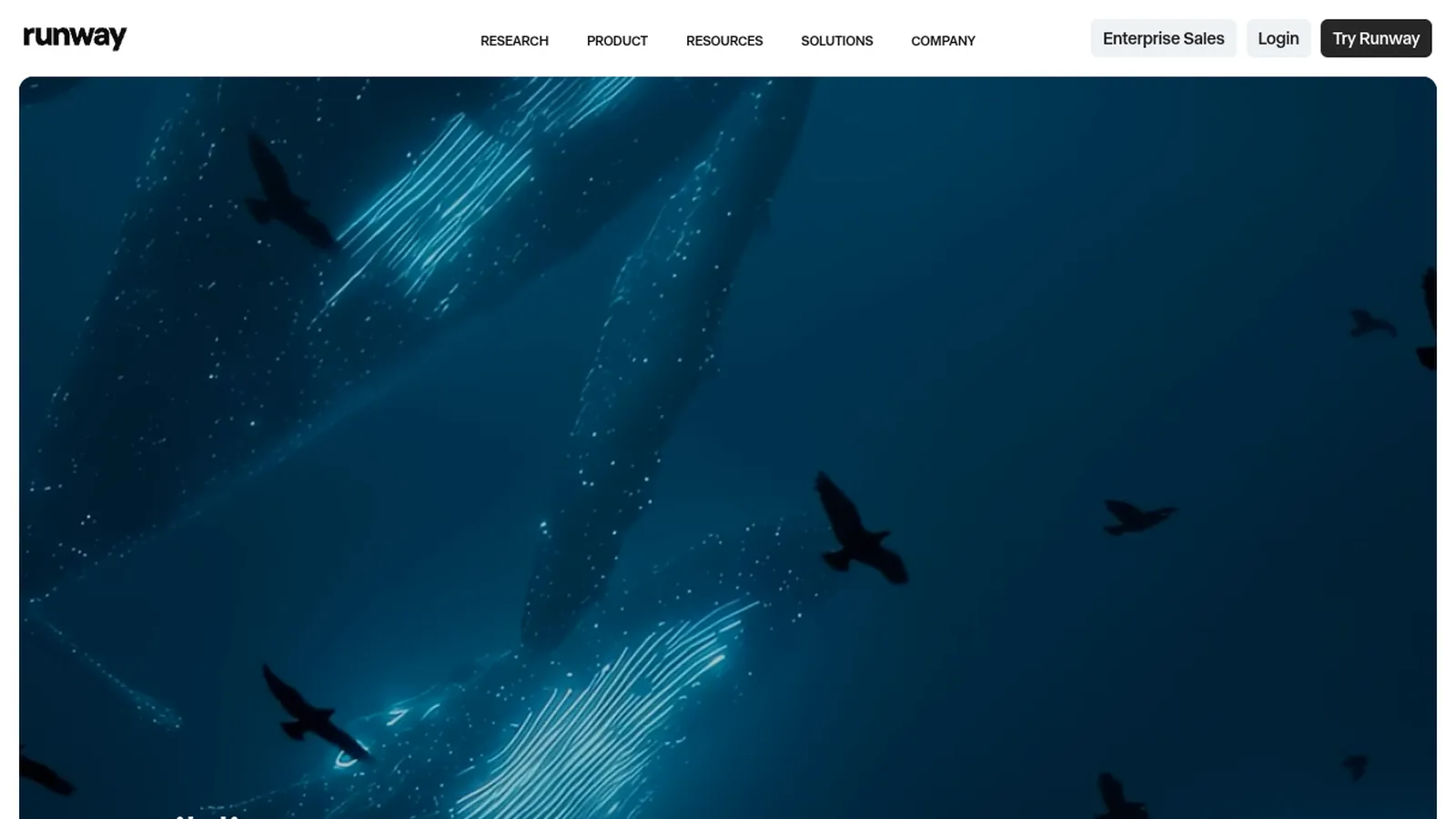
Runway is the creator-favorite for controllable image-to-video: camera direction, motion brushes and a polished editor built for iteration. It is less about one-click magic and more about getting exactly the shot you pictured. A free starter allotment lets you try it, and it fits naturally alongside its wider editing suite.
Strengths
Strong camera and motion controls
Polished, pro-oriented editor
Free starter credits
Watch out
The control comes with a learning curve, and free credits run out fast.
You want a fun, fast clip for social without fuss.
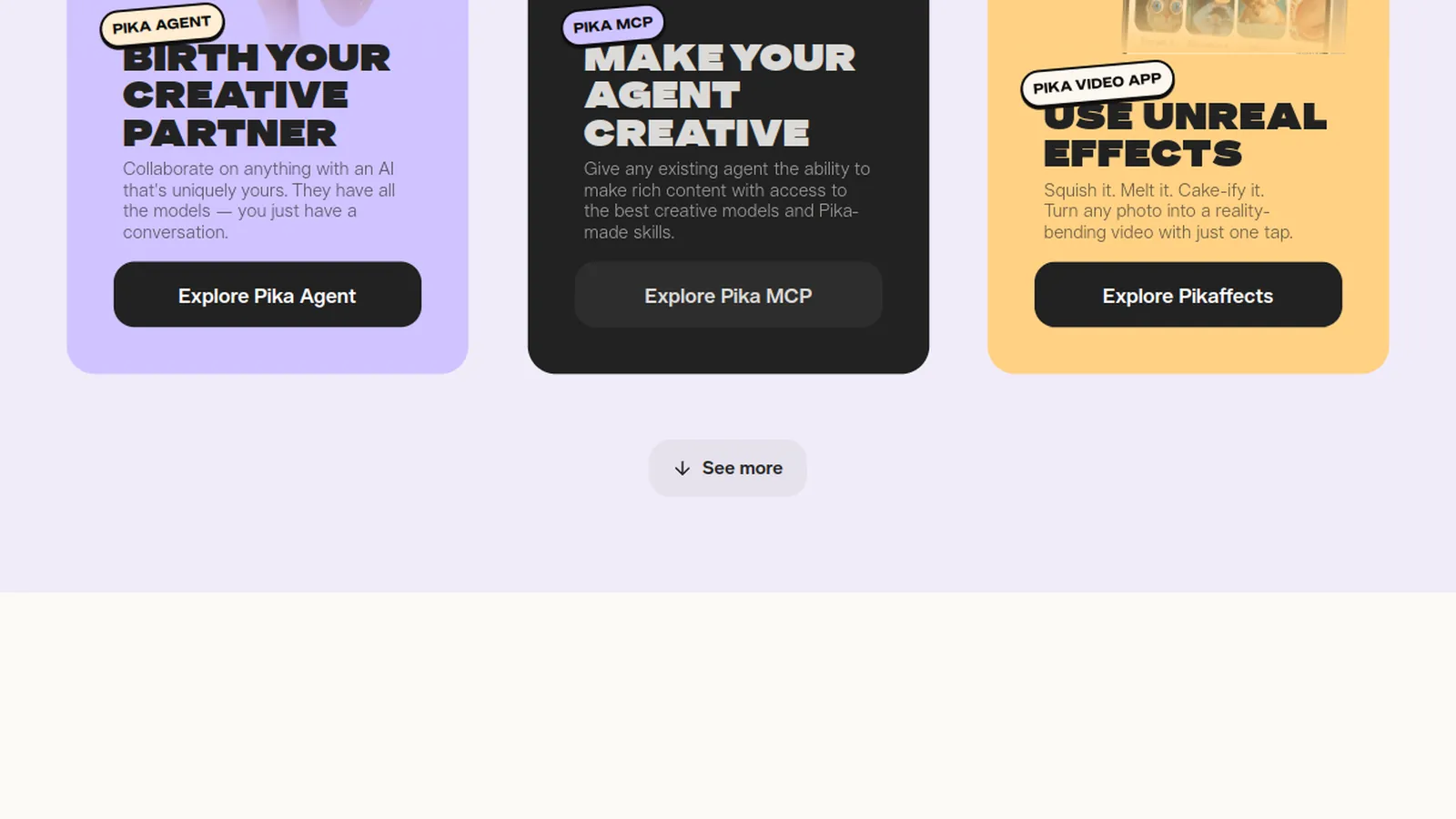
Pika leans playful and fast. It is built for short, shareable clips and fun effects rather than cinematic realism, which makes it a good pick when speed and vibe matter more than photorealism. The free tier is enough for casual use and quick experiments.
Strengths
Fast and beginner-friendly
Fun effects for social
Free tier for casual use
Watch out
Less realistic than Kling or Runway for serious work.
You want to animate a face or photo generously for free.
Vidnoz is built around avatars and talking photos, and it stands out for how much you can do on the free plan. If your image-to-video need is a portrait that talks or a photo that comes to life, Vidnoz gets you a long way before asking for money, which is why it is the value pick here.
Strengths
Generous free tier
Great for talking photos and avatars
Simple, guided flow
Watch out
Less suited to open-ended, cinematic image-to-video than Kling or Runway.
The best tool depends entirely on the look you are after. Match the model to the job rather than defaulting to whichever ranked first:
Realistic, film-like motion - Kling, or Kling inside Deevid.
Precise camera moves and iteration - Runway.
Fast, fun social clips - Pika.
A talking portrait or a photo that comes alive - Vidnoz.
Not sure, or you want to compare several - Deevid, so you can try them on the same image.
Free vs paid: watermarks, credits and limits
Every tool here has a free tier, and every free tier caps you somewhere - a visible watermark, a daily credit allowance, a slower render queue, or a resolution limit. "Unlimited" and "no watermark" offers almost always mean unlimited on a paid plan. For a few test clips, the free credits are plenty; Kling's daily credits and Vidnoz's free tier go the furthest. If you plan to make image-to-video regularly, a paid month removes the watermark and the wait, and Deevid's $10 plan is the most flexible because the same fee unlocks several models and the editor rather than a single tool.
Tips for a clean result
Most disappointing clips come from the source image, not the model. A few habits make a big difference:
Start from a sharp, high-resolution still - blurry inputs animate into mush.
Keep the prompt simple and physical: "slow push in", "gentle sway", not a paragraph.
Lower the motion strength if faces or hands distort; subtle movement reads as more real.
Generate two or three times - these models are partly random and the best take is rarely the first.
FAQ
Is there a truly free, unlimited image-to-video AI?
Not really. Every tool caps the free tier with a watermark, a daily credit limit, a queue, or lower resolution. "Unlimited" offers are unlimited on a paid plan. For a few free clips, use the daily free credits on Kling or the free tier on Vidnoz and Deevid.
Which image-to-video AI is free without a watermark?
Free tiers generally add a watermark; removing it is what the paid plans are for. The cheapest route to watermark-free output here is Deevid's $10/mo plan, which also unlocks several models at once.
What is the best free image-to-video model?
For realism, Kling. For control, Runway. For fun social clips, Pika. If you want to compare them on the same photo without multiple subscriptions, use Deevid, which bundles them together.
Can I animate a photo without signing up?
A few tools let you preview before an account, but downloading a clean, watermark-free clip almost always needs a free account. Deevid gives you starter credits once you sign up.
How long are the videos?
Most image-to-video clips are three to ten seconds. Some tools let you extend or chain clips; a full editor like Deevid lets you stitch and lengthen the result afterward.
Is there a Google image-to-video generator?
Google's Veo model powers image and video generation and is available through Google's own apps and via aggregators. In Deevid, Veo sits alongside Kling, Runway and Pika, so you can try it without a separate subscription.
Which one should I pick?
For a single style you already know, go to the specialist (Kling, Runway or Pika). If you want flexibility, editing and the ability to compare models, start with Deevid.
Our pick
For a specific look you already have in mind, the specialist models win - Kling for realism, Runway for control, Pika for speed. But for most people the smart starting point is Deevid AI: one free account lets you animate the same image with several models, then edit, extend and upscale the result in place, and the $10 plan removes watermarks while unlocking far more than any single tool.