“Free” is the most stretched word in AI video. Almost every tool advertises a free plan, but behind that word sits a wall of watermarks, credit caps and sign-up gates. We went through the free tiers - not the marketing - to see which ones actually let you make something usable without paying. Here is what $0 really buys in 2026, and where it is worth it.
The 30-second verdict
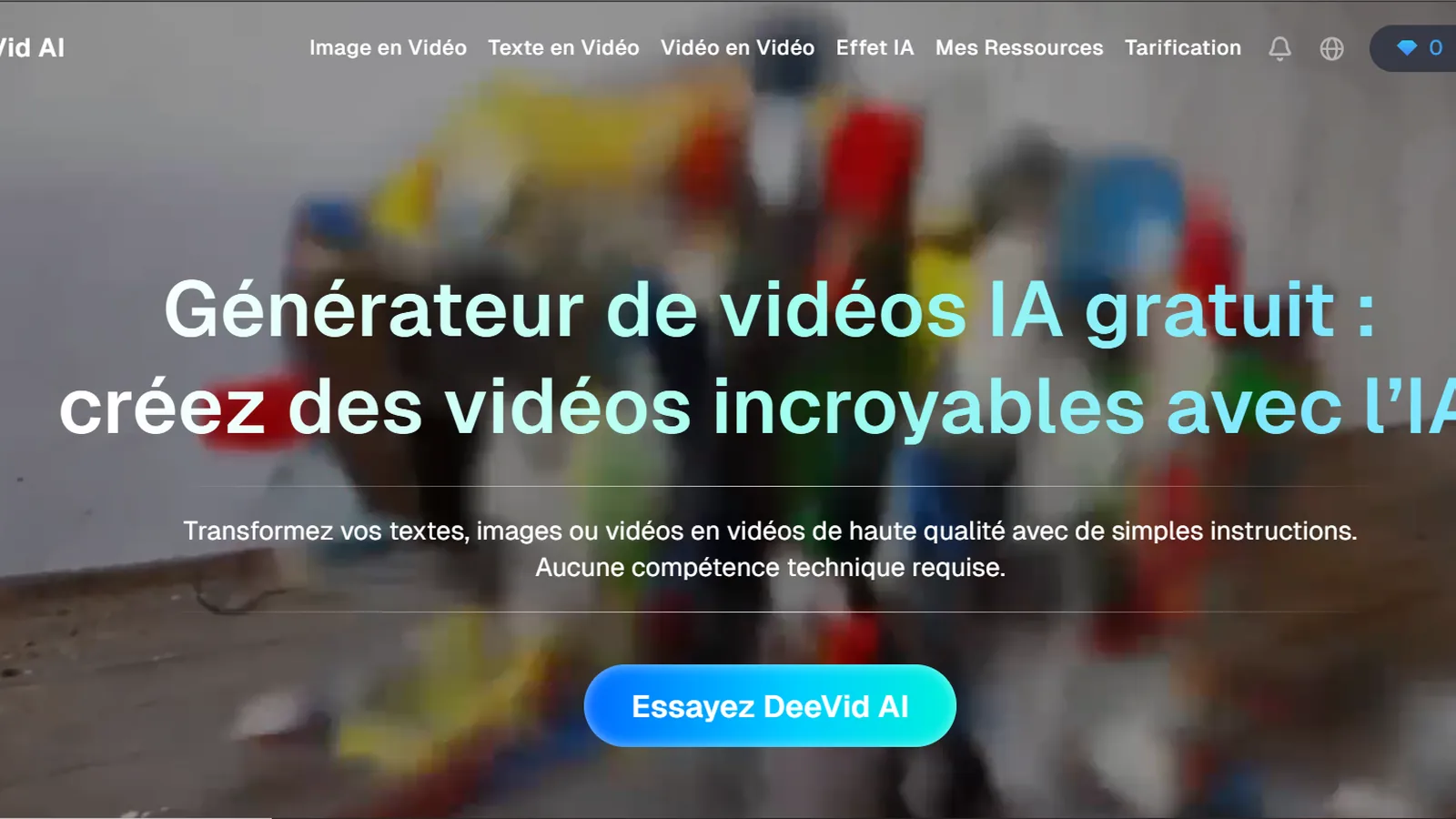
For the most useful free tier overall, Deevid AI wins - its free credits let you sample several frontier models in one place before deciding. Vidnoz has the most generous ongoing free allowance, Kling gives you daily free credits for cinematic clips, and Runway offers the best free trial for creative control. Every free plan watermarks output and caps usage, so treat free as a test drive, not a publishing plan.
What is the best free AI video generator?
If you want to try real AI video without spending anything, the best free AI video generator is the one whose free tier matches your job. Deevid AI is our overall pick because its free credits sample multiple models, so you learn the most before committing. For a genuinely generous ongoing allowance, Vidnoz leads; for cinematic shots on a budget, Kling's daily free credits are hard to beat. Just know the universal catch: free output is watermarked and limited.
How we judged the free tiers
We signed up to each free plan and asked one question: can you make something usable without paying? We looked at the real allowance (credits or minutes), whether output is watermarked, whether a sign-up or credit card is required, and how quickly you hit the wall. We weighted ongoing free use over one-off trial credits, and we cross-checked our experience against public Trustpilot and G2 reviews to catch limits that only bite after a few sessions. Read our full review methodology
Best free AI video generators at a glance
What you actually get on each free plan - and the cheapest paid tier if you outgrow it.
Tool
Best free for
Free allowance
Paid from
Deevid AI
Sampling many models free
20 credits, watermarked
$10/mo
Vidnoz
Most generous free use
Generous, watermarked
~$13/mo
Kling
Free cinematic clips
Daily free credits
~$10/mo
Runway
Free creative trial
Limited trial credits
~$15/mo
Pika
Quick stylised clips
Free credits
~$8/mo
HeyGen
Free avatar videos
3 min/mo, watermarked
$29/mo
InVideo
Free social video
Yes, watermarked
$25/mo
Fliki
Free faceless voiceover
5 min/mo
$28/mo
The best free AI video generators, reviewed
Ranked by how usable the free tier really is. Every external link is clearly marked when it is an affiliate link.
#1
1
Deevid AI
Best free tier overall
Trying several frontier models without paying
Most free tiers lock you into one model. Deevid's gives you credits to sample several - Sora 2, Veo 3.1, Kling, Runway, Pika - from a single free account, so you learn what each is good at before spending a cent. The credits run out fast on high-end generations, but as a way to actually understand AI video for $0, nothing else is this efficient.
Free tier strengths
Free credits work across several frontier models
Avatars and editing included, even on the free tier
No credit card needed to start
The catch
20 credits go quickly on high-quality clips, and free output carries a watermark.
Free tier: 20 free credits (watermarked); paid from $10/mo
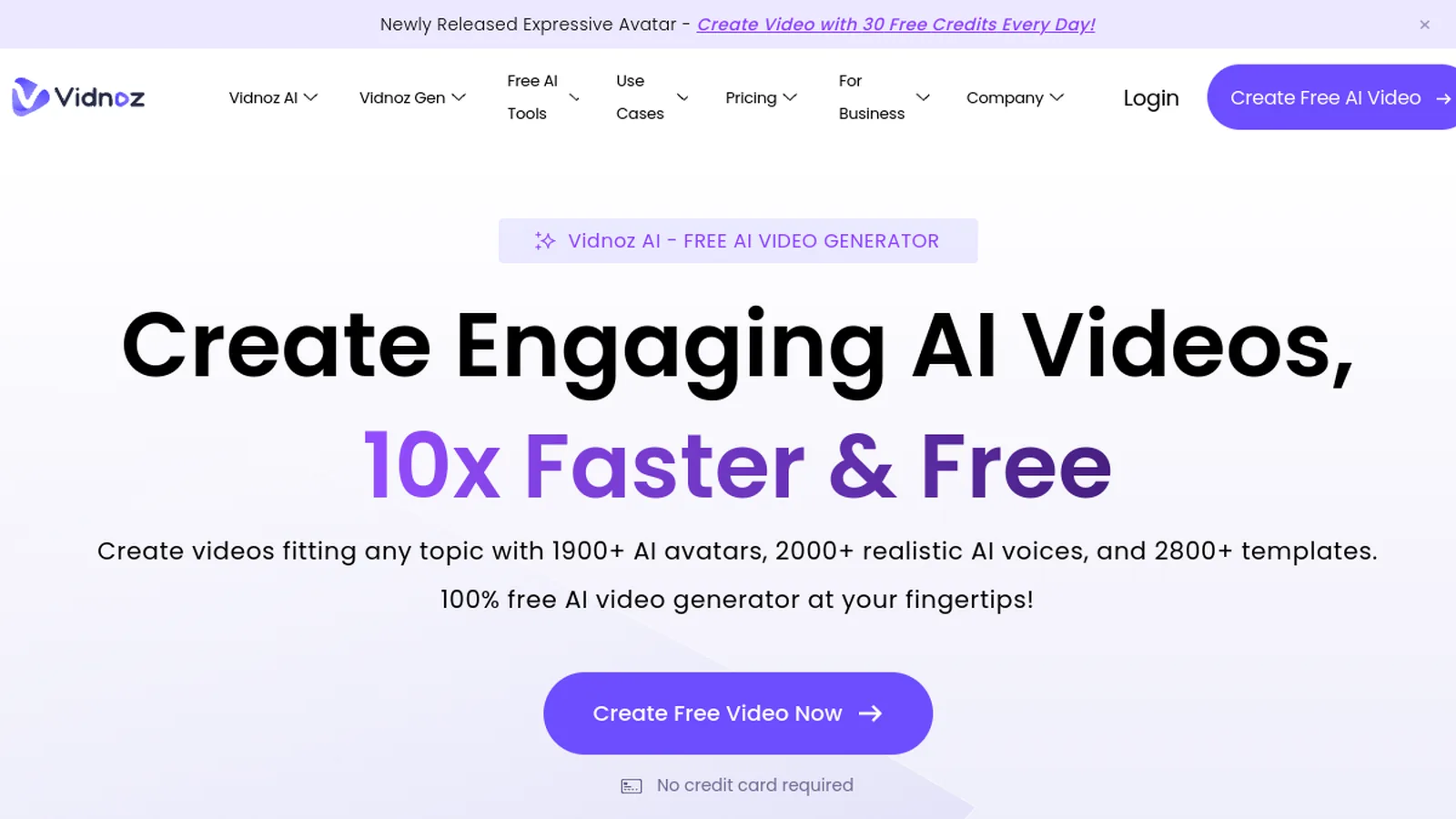
If you want the most you can do for free on a recurring basis, Vidnoz is the pick. Its free allowance is unusually generous and its talking-photo and avatar tools are fun for quick personalised clips. Quality sits a notch below the avatar leaders, and free exports are watermarked - but pound for pound, you get more free output here than almost anywhere.
Free tier strengths
One of the most generous ongoing free tiers
Talking photos and avatars at zero cost
Beginner-friendly, no steep learning curve
The catch
Avatar realism trails HeyGen, and the watermark stays until you upgrade.
Free tier: Generous free allowance (watermarked); paid from ~$13/mo
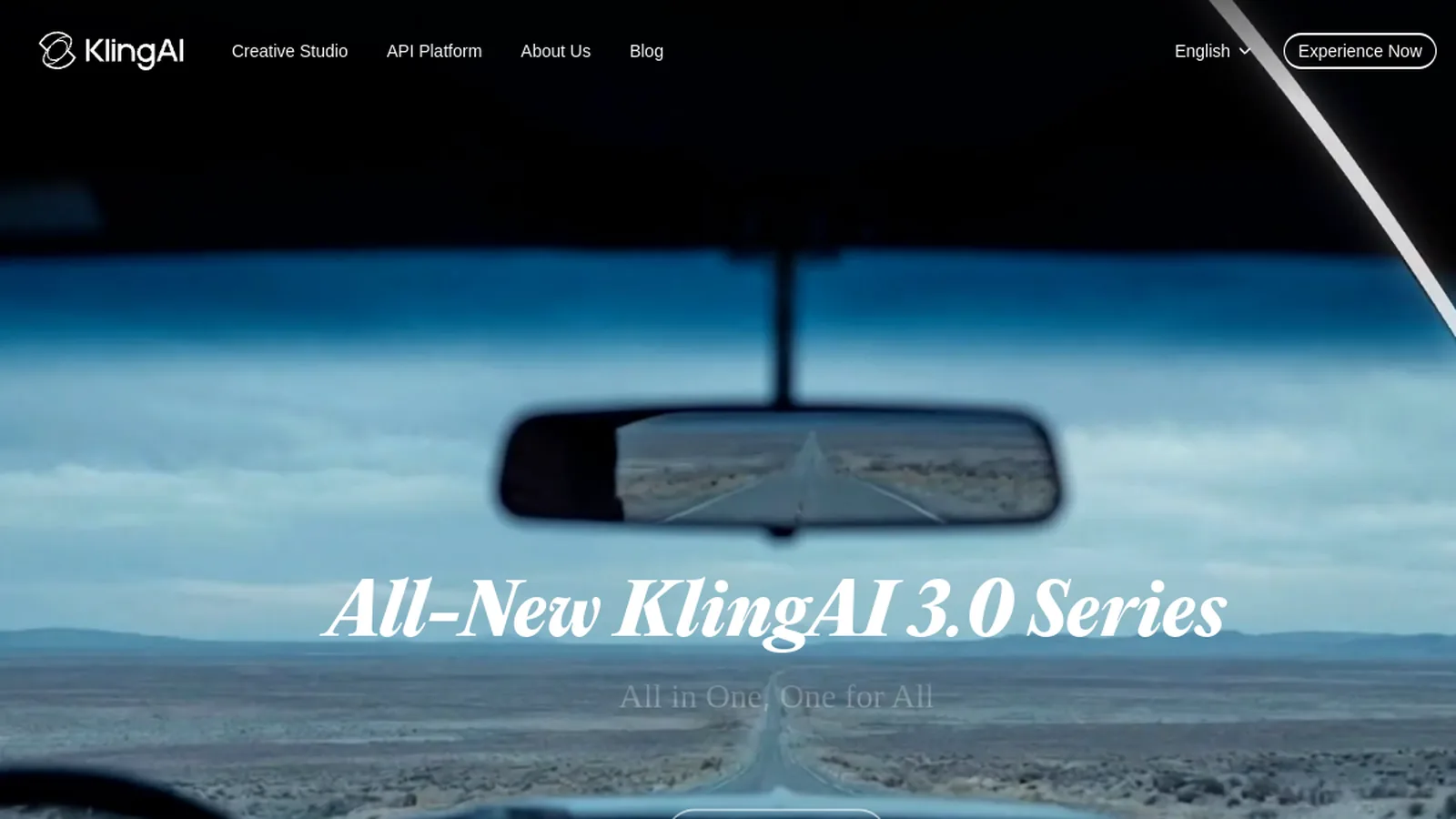
Kling refills free credits daily, which makes it the best way to generate genuinely cinematic clips for nothing if you are patient. The motion and prompt adherence rival far pricier tools. The catch is the wait - free generations sit in a slower queue, especially at peak - but for a $0 cinematic model, the quality is remarkable.
Free tier strengths
Daily free credits, so it refills over time
Cinematic motion that punches above its price
Great for experimenting with prompts
The catch
Free generations queue slowly at peak times, and the app is light on editing.
Runway's free credits are limited and one-off rather than refilling, so this is a trial, not a long-term free plan. But if you want to feel what real directorial control is like - motion brush, camera moves, art direction - it is the best free taste of pro-grade creative tooling. You can also reach Runway inside Deevid's bundle.
Free tier strengths
A real taste of pro creative and camera controls
Strong motion coherence even on trial output
No commitment to test it
The catch
Trial credits do not refill, and the learning curve is steeper than most.
Free tier: Limited free trial credits; paid from ~$15/mo
Pika is the fun one. Its free credits are aimed at short, stylised clips rather than photoreal scenes, and the interface makes experimenting genuinely enjoyable. It will not replace a cinematic model, but for quick social-ready snippets at no cost, it is a great place to play.
Free tier strengths
Free credits to make short stylised clips
Playful, fast, beginner-friendly interface
Good for social snippets and ideation
The catch
Less suited to realistic or long-form footage; free output is limited.
HeyGen's free plan is small - about three watermarked minutes a month - but it is the best way to see the most lifelike avatars on the market without paying. If your goal is a spokesperson clip and you want to judge the realism before committing, those few free minutes tell you everything you need to know.
Free tier strengths
The most lifelike avatars, free to sample
Voice cloning and many languages
Enough to evaluate quality properly
The catch
Only ~3 minutes a month, watermarked - strictly a trial.
Free tier: Free 3 min/mo (watermarked); paid from $29/mo
InVideo's free tier leans on templates, stock and auto-captions to get a social clip out fast. It is more assembly than true generation, and the watermark is prominent, but for testing whether template-driven social video fits your workflow, it costs nothing to find out.
Free tier strengths
Idea-to-video fast, free to try
Templates and auto-captions included
Good for social-format testing
The catch
Prominent watermark, and output is template-and-stock rather than generative.
Free tier: Free tier (watermarked); paid from $25/mo
Fliki's free plan gives you about five minutes a month to turn a script into a narrated video. The AI voices are among the most natural going, so if you run a faceless channel and want to test the workflow before paying, this is the cleanest free way to do it.
Natural AI narration on a free monthly allowance. -
Is any AI video generator truly free?
Not in the way most people hope. There is no tool that gives you unlimited, watermark-free, sign-up-free video - the compute behind each clip costs real money, so something always gives. What you can do is use free tiers the way they are meant to be used: to learn the workflow, compare models on the same prompt, and produce rough drafts. When you need one clean, watermark-free export, you will need a paid plan somewhere - so test free first, then pay only for the tool that earns it.
Frequently asked questions
What is the best free AI video generator?
Deevid AI has the most useful free tier because its credits work across several frontier models, so you learn the most for $0. For the most generous ongoing free use, Vidnoz leads; for free cinematic clips, Kling's daily credits are excellent. All free tiers watermark output.
Is there a free AI video generator with no watermark?
Essentially no. Free tiers across the market add a watermark to cover compute costs and encourage upgrades. The only reliable way to get watermark-free export is a paid plan. Use the free tier to test, then upgrade the one tool that fits your work.
Is there a free AI video generator with no sign-up?
True no-sign-up tools are rare and usually very limited or low quality. Most reputable tools, including our picks, ask for a free account (no credit card) so they can track your free credits. A free account is the realistic entry point.
Can I make AI videos for free without a credit card?
Yes. Tools like Deevid AI, Vidnoz, Kling and Pika let you start on a free tier without entering card details. You only add payment if you choose to upgrade for more credits or to remove the watermark.
Is there a free AI video generator with no restrictions or unlimited use?
"Unlimited" and "no restrictions" free offers are marketing - the compute behind each clip costs money, so every genuine free tier caps you somewhere with credits, minutes, a watermark or a queue. The closest to open-ended free use are Kling's daily refilling credits and Vidnoz's generous allowance. Anything promising truly unlimited free video, especially modded apps or APKs, is unsafe and best avoided.
How long can a free AI video be?
It depends on the tool's credit or minute cap. Free plans typically allow short clips (a few seconds to a few minutes per month). For longer or more frequent videos, you will hit the free limit quickly and need a paid plan.
Our verdict
If you want to actually learn AI video for nothing, start with Deevid AI - its free credits let you try several models in one place, which teaches you more than any single-model free plan. Lean on Vidnoz and Kling for more ongoing free output. But be clear-eyed: every free tier is a test drive. Once you know which tool fits, a cheap paid plan is what turns these experiments into publishable video.