Text-to-video AI turns words into a moving picture - either a generated scene from a short prompt, or a full video assembled from a written script with stock footage, avatars and a voiceover. Both are called "text to video", they solve different problems, and nearly all of them have a free tier. This guide sorts the two families, ranks the tools worth your time, and shows what each one actually gives you before it asks for money.
Short answer
There are two kinds of text-to-video. For generated scenes from a prompt, Deevid AI is the best starting point because it bundles Sora, Veo, Kling and Runway behind one login. For script-to-video with a voiceover - the kind you post to YouTube or a client - InVideo and Fliki are the fastest routes, and HeyGen if you want a presenter on screen. Every free tier caps you with a watermark or a length limit.
How text-to-video AI works
You type what you want and the AI builds the video. With a generative model you write a short visual prompt and it renders a brand-new clip. With a script-based tool you paste a full script and it assembles scenes from stock or avatars, adds an AI voiceover, and syncs captions. The workflow is roughly the same either way:
Write a prompt (for a generated scene) or paste a script (for a narrated video).
Pick a model or a template, a voice, and an aspect ratio for your platform.
Generate, preview, and edit. Free tiers usually add a watermark or cap the length.
Quick comparison
What the free version of each tool gives you.
Tool
Free version
Best for
Deevid AI
Free plan with starter credits
Generated scenes from a prompt, many models
InVideo
Free tier (watermark)
Script-to-video for social and marketing
Fliki
Free minutes/month
Text to video with lifelike voiceover
Kling AI
Daily free credits
Cinematic generated clips
HeyGen
Free short videos
A presenter avatar reading your script
The shortlist
Ranked by fit and how far the free version gets you - pick by the kind of video you need.
#1
1
Deevid AI
Best for generated video from a prompt
You want to type a prompt and get a brand-new generated clip.
For generative text-to-video, Deevid is the most flexible option because it bundles the leading models - Sora, Veo, Kling, Runway and more - behind a single login. You can run the same prompt through two models and keep the better result, then extend, add a voiceover or upscale in the same editor. That breadth is exactly what a single generative model can't offer. There is a free plan with starter credits, and paid plans start at $10/mo, which is low given how many models it unlocks.
Strengths
Sora, Veo, Kling, Runway and more from one prompt box
Compare models, then edit, voice and upscale in place
Free tier to test, then a $10/mo entry point
Watch out
Built for generated video, so for a talking-head script a dedicated avatar tool is more direct.
You want to paste a script and get a ready-to-post social video.
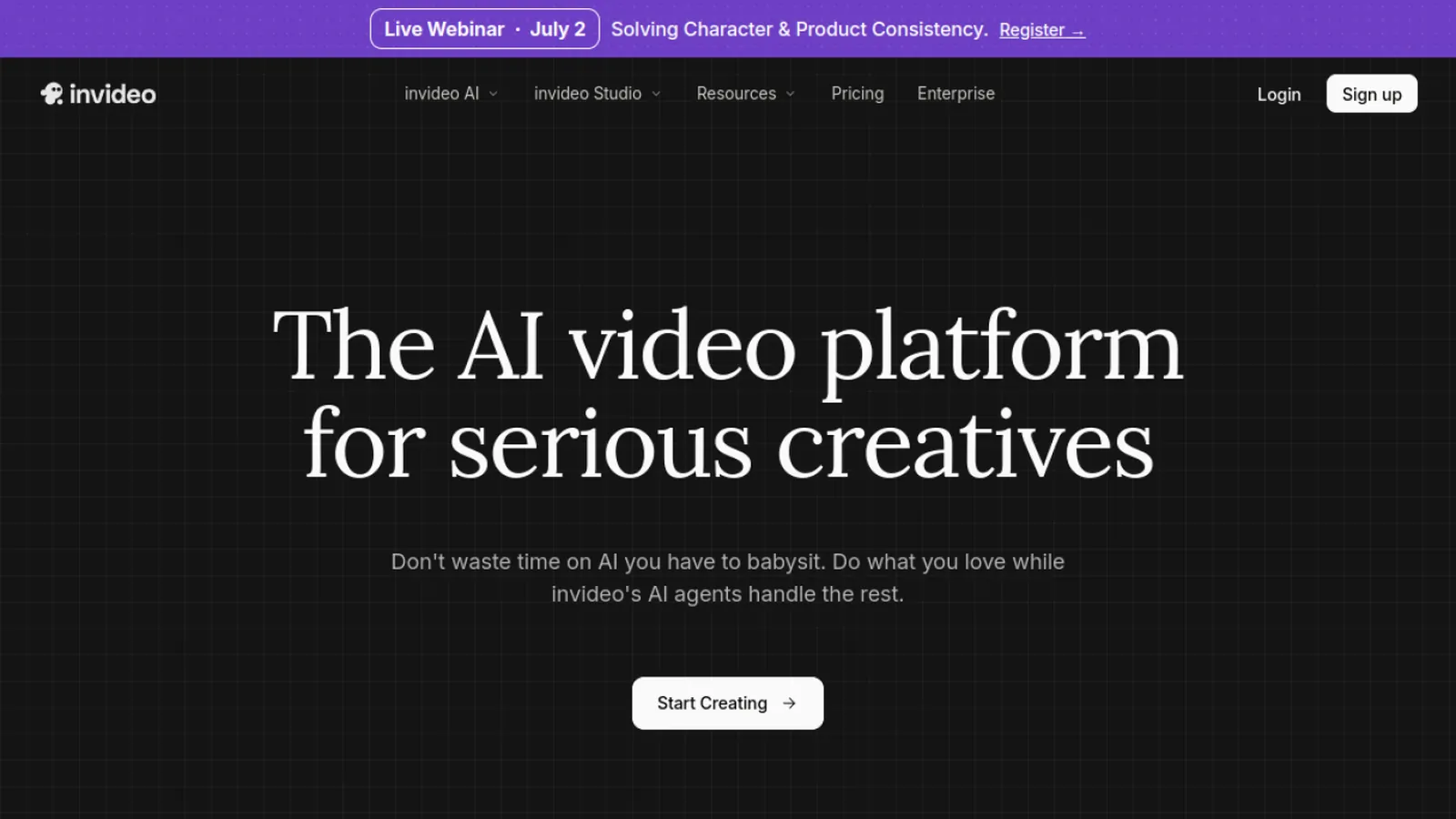
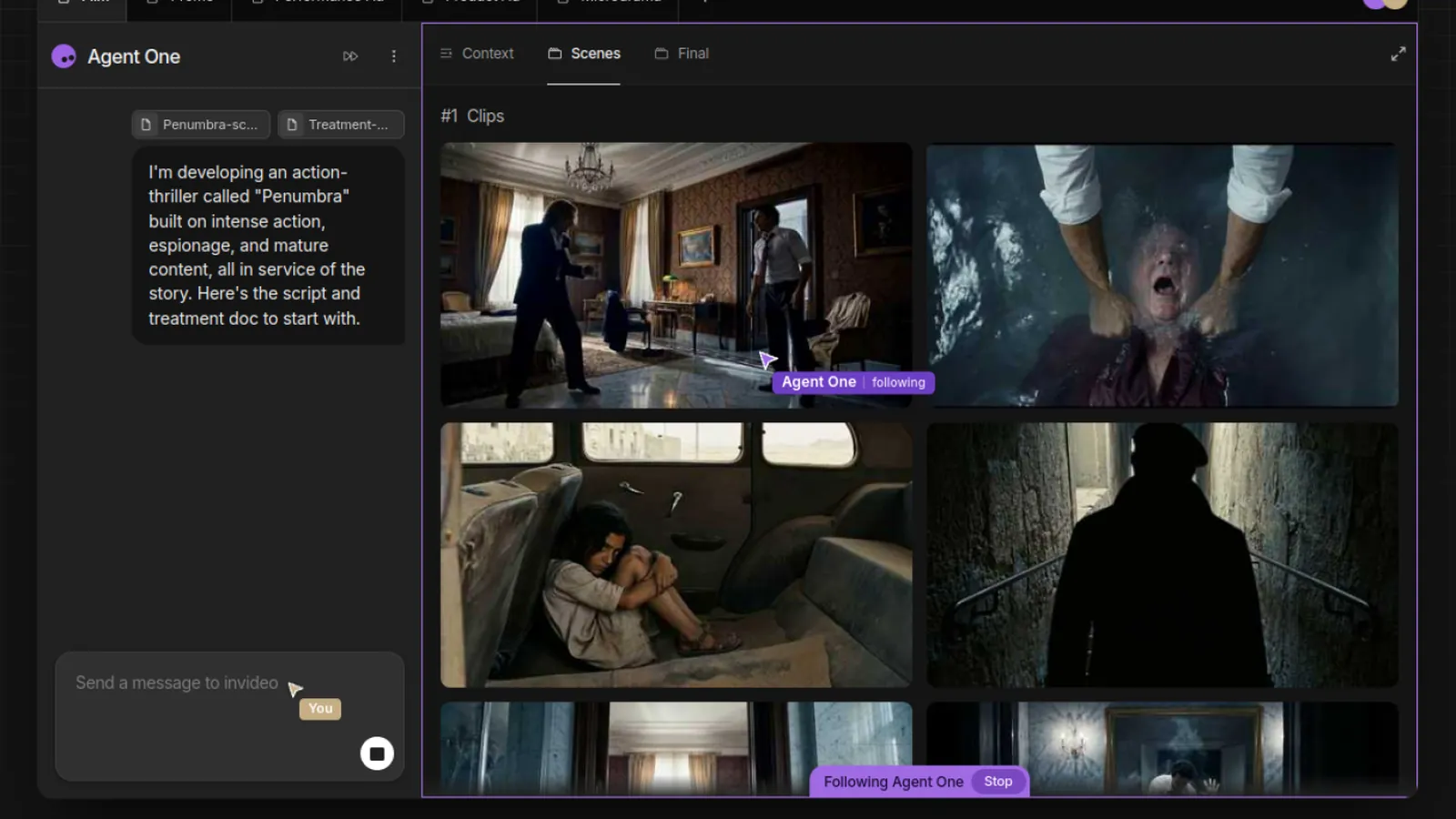
InVideo turns a prompt or a full script into a complete video - scenes, stock footage, captions and a voiceover - sized for social and marketing. It is the fastest way to go from an idea to a publishable clip when you care about the message more than a cinematic look. The free tier lets you build and export with a watermark.
Strengths
Prompt or script to a finished social video
Huge stock and template library
Fast, publish-ready output
Watch out
Free exports carry a watermark; the look is template-driven, not generative.
You want a narrated video with a lifelike AI voice.
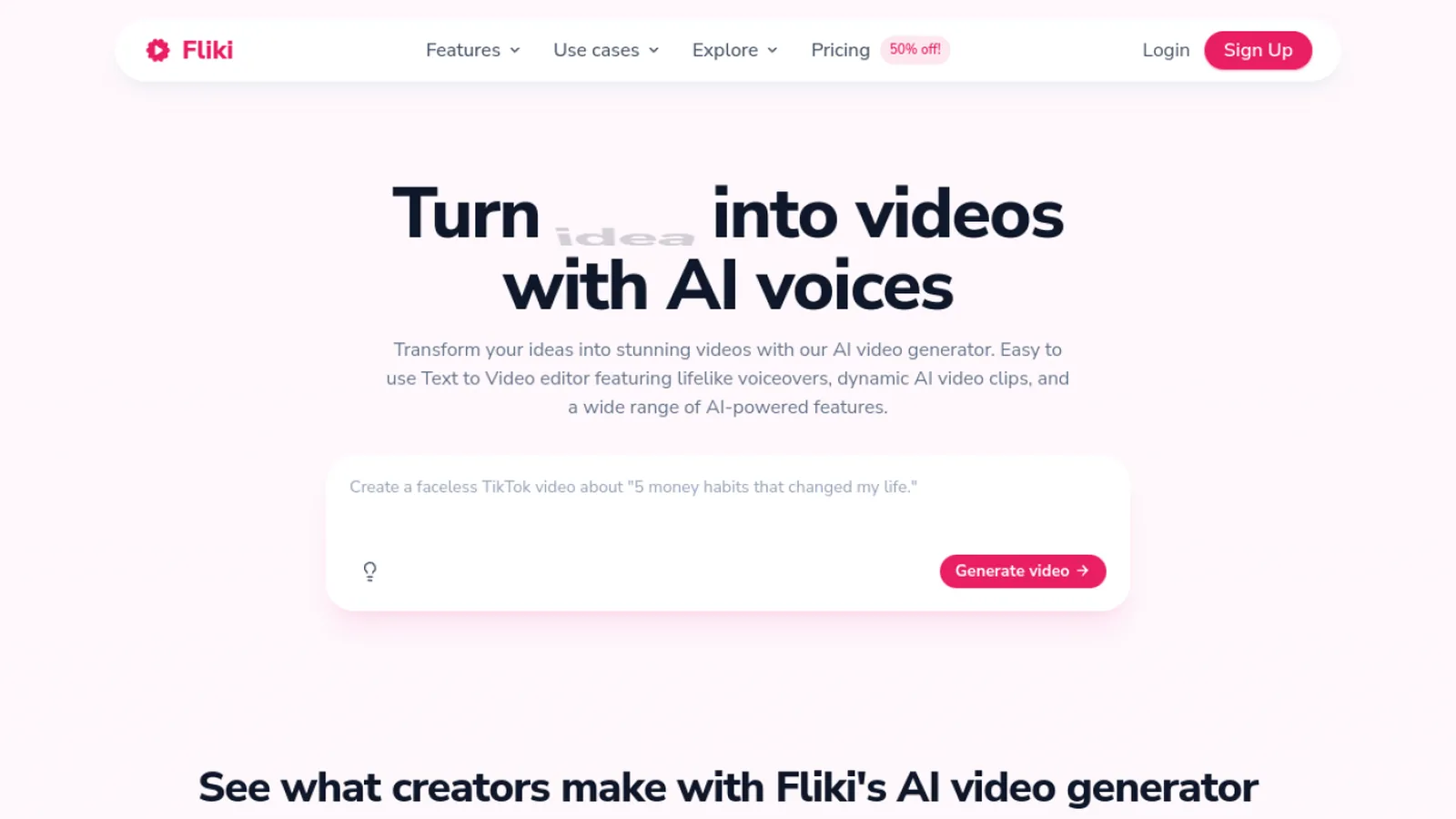
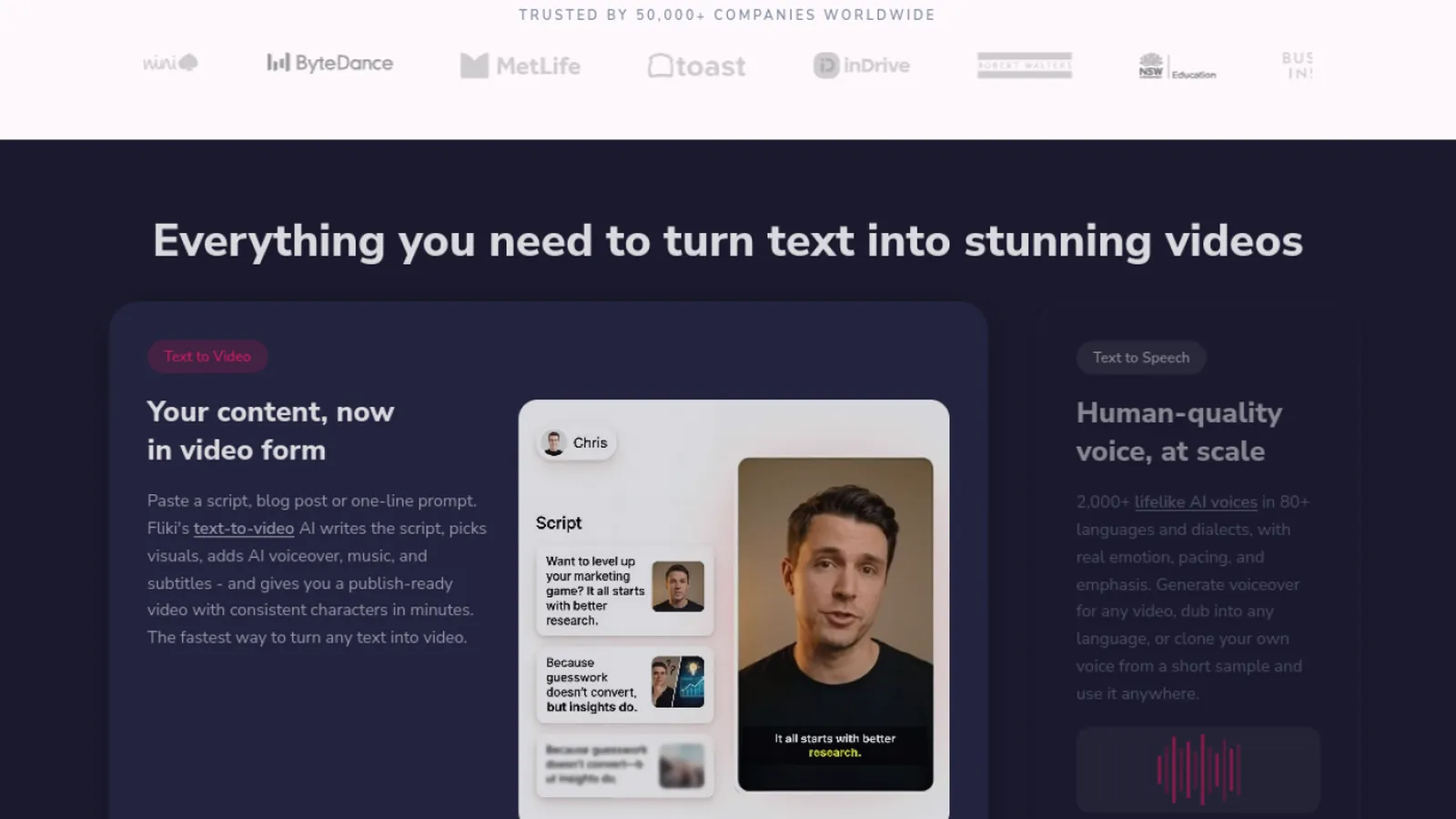
Fliki is unbeatable for turning text into video with natural-sounding AI voiceovers in dozens of languages. Paste a script or a blog post and it builds a narrated video with matching visuals. If the voice is the point - faceless YouTube, explainers, localized content - Fliki is the specialist. It offers free minutes each month to try it.
Strengths
Excellent, lifelike AI voices in many languages
Blog-to-video and script-to-video flows
Free minutes monthly
Watch out
Free minutes are limited; visuals lean on stock rather than generation.
You want the most realistic generated scene from a prompt.
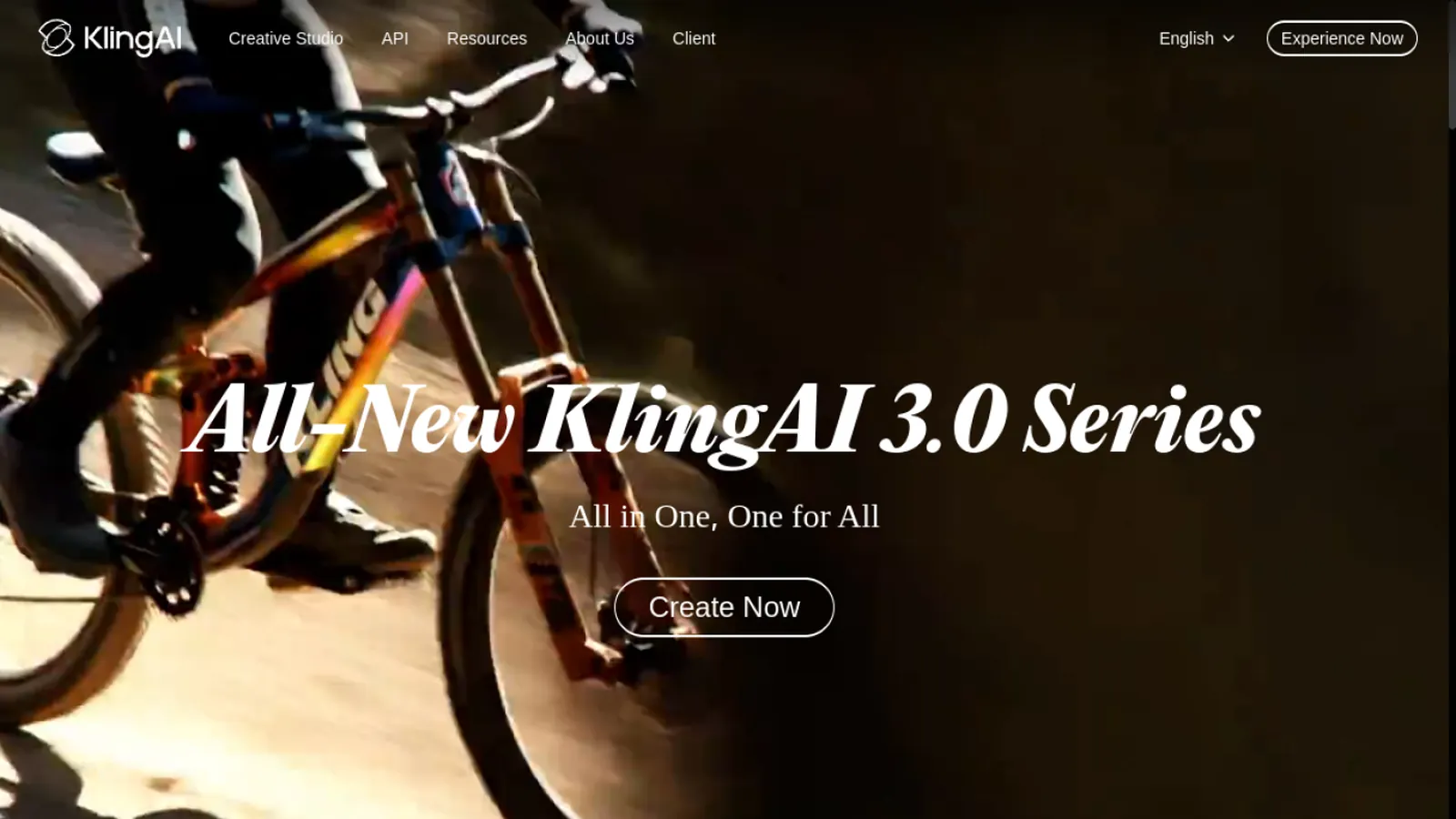
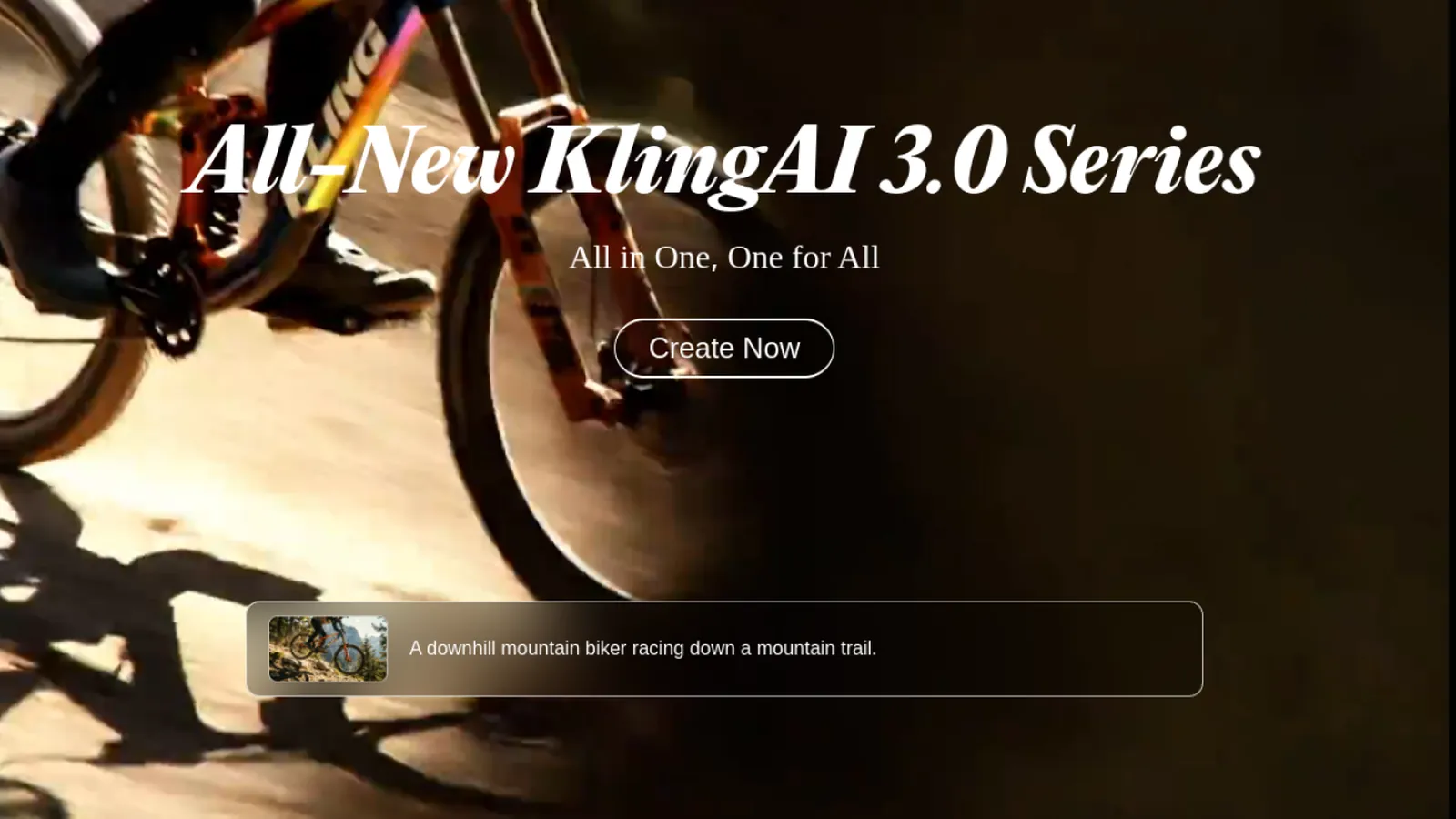
When you want a generated clip that looks filmed rather than synthetic, Kling is the model to reach for - natural motion, believable physics and strong consistency. It is a pure generative model rather than a script-to-video assembler, and daily free credits let you test it. It is also available inside Deevid if you would rather not manage another account.
Strengths
Very realistic generated motion
Daily free credits
Also available inside Deevid
Watch out
Generative only - no script, voiceover or stock assembly.
You want a realistic presenter reading your script on camera.
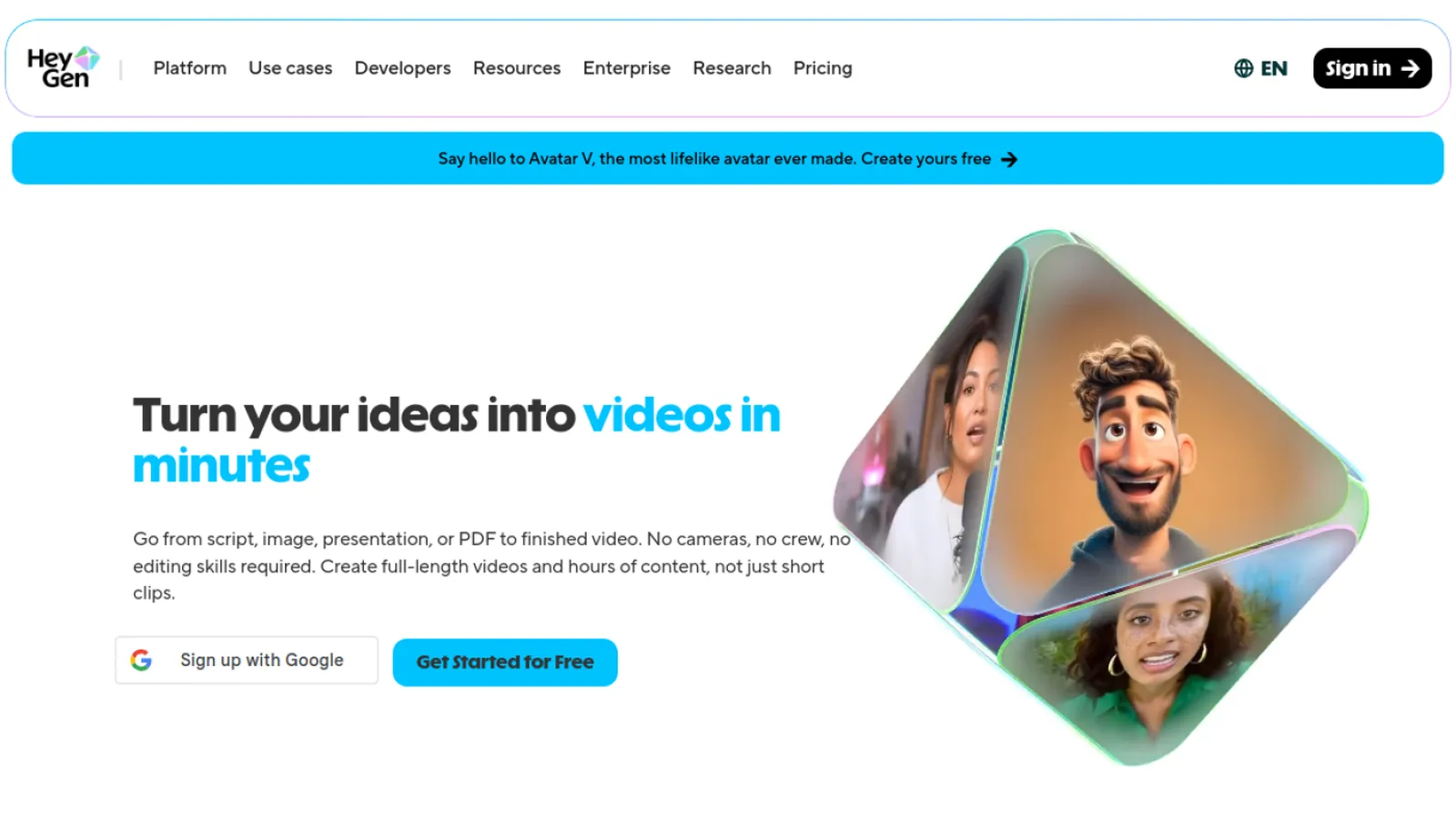
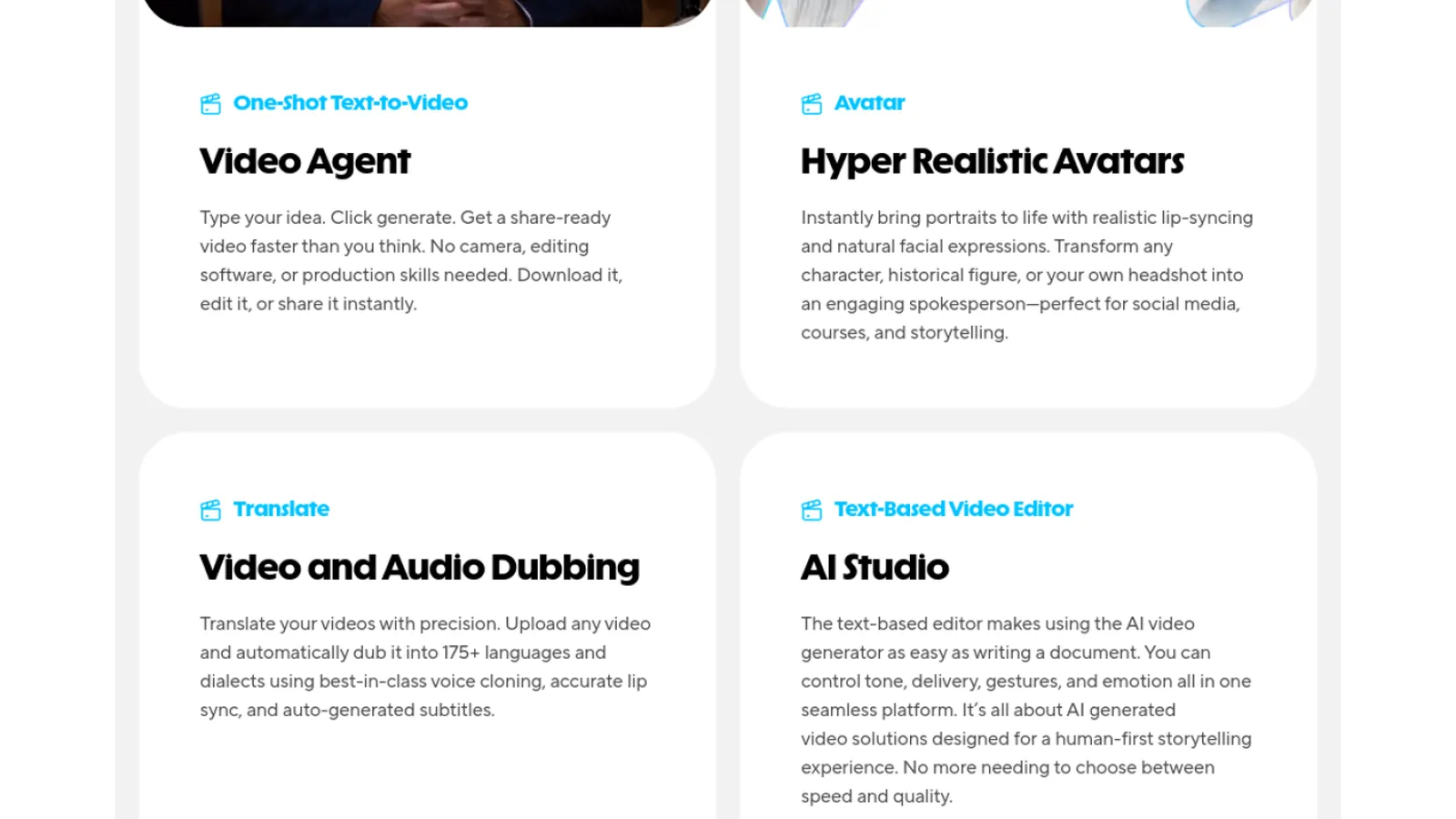
HeyGen is the gold standard for lifelike avatar videos: paste a script, pick a presenter, and get a talking-head clip that looks recorded. It is the right tool when you need a face delivering the message - training, sales, spokesperson content - rather than a generated scene. Free short videos let you try the avatars before upgrading.
Strengths
Best-in-class talking-head avatars
Script to spoken video in minutes
Free short videos to start
Watch out
Focused on avatars; not for generative scenes or b-roll.
Almost every wrong tool choice here comes from mixing up the two families. Decide which one you actually want first:
Generative (prompt to a new scene): Deevid, Kling, Runway, Sora, Veo - for original footage that never existed.
Script-based (script to an assembled video): InVideo and Fliki - for narrated explainers, social and marketing clips built from stock.
Avatar (script to a presenter): HeyGen and Synthesia - for a person on screen delivering your words.
Not sure, or you need more than one: Deevid covers generative and, with a voiceover step, gets you close to script-based too.
Free vs paid: watermarks and limits
Every option here has a free tier, and each caps you somewhere - a watermark on exports, a monthly minute or credit allowance, a length limit, or lower resolution. "100% free" and "no watermark" claims almost always mean on a paid plan. For testing, the free tiers are enough: Fliki's free minutes, Kling's daily credits, and Deevid's starter credits all let you judge quality first. If you publish regularly, the cheapest watermark-free route depends on the job - InVideo or Fliki for script videos, Deevid's $10 plan for generative work since it unlocks several models at once.
Tips for a better result
A few habits raise the quality of any text-to-video output:
For generative models, keep prompts short and visual - one clear scene beats a paragraph.
For script tools, write for the ear: short sentences, one idea per line, and mark the pauses.
Match the aspect ratio to the platform before you generate, not after.
Generate a couple of variations; the first take is rarely the best one.
FAQ
Is there a truly free, unlimited text-to-video AI?
Not really. Every tool caps the free tier with a watermark, a monthly minute or credit limit, or a length cap. "Unlimited" offers are unlimited on a paid plan. For testing, use Fliki's free minutes, Kling's daily credits or Deevid's starter credits.
Which text-to-video AI is free without a watermark?
Free exports usually carry a watermark; removing it is what the paid plans are for. The cheapest watermark-free route depends on the job - a script tool like InVideo or Fliki, or Deevid's $10/mo plan for generative video.
What is the difference between generative and script-based text-to-video?
Generative models (Deevid, Kling, Runway) create a brand-new scene from a short prompt. Script-based tools (InVideo, Fliki) assemble a video from your script using stock footage, captions and an AI voiceover. Pick generative for original footage, script-based for narrated explainers.
Can I make a text-to-video without signing up?
Some tools let you preview before an account, but exporting without a watermark almost always needs a free account. Deevid gives you starter credits once you sign up.
What is the best free text-to-video AI for YouTube?
For faceless narrated videos, Fliki. For social clips assembled from a script, InVideo. For generated b-roll and scenes, Deevid. For a presenter on camera, HeyGen.
Is there a Meta or Google text-to-video AI?
Meta and Google both build video models (Google's Veo among them). Veo is available inside aggregators like Deevid, so you can try it alongside Sora, Kling and Runway without a separate subscription.
Which one should I pick?
Decide the type first: generative scene (Deevid or Kling), narrated script video (Fliki or InVideo), or talking-head (HeyGen). If you want flexibility across generative models, start with Deevid.
Our pick
There is no single winner because "text to video" means two different things. For generated scenes from a prompt, Deevid AI is the best starting point - one free account, many models, plus editing and voiceover in place. For a narrated script video, Fliki (voice-first) or InVideo (social-first) are faster, and HeyGen wins when you need a presenter on camera. Decide the format, then pick the specialist - but if you want the most range from one login, Deevid covers the most ground.