How to Make AI Videos: A Step-by-Step Guide
A year ago, making a 30-second video meant a camera, decent lighting and an afternoon in an editor. Today you type a sentence and a usable clip lands in your lap about a minute later. That is genuinely new - and it is also where most people get stuck, because “just type a prompt” quietly hides a dozen decisions. Which tool? Which model? Text or image? Free or paid? This guide takes you through the whole thing the way you would actually do it, from a blank box to an exported clip you are happy to publish.
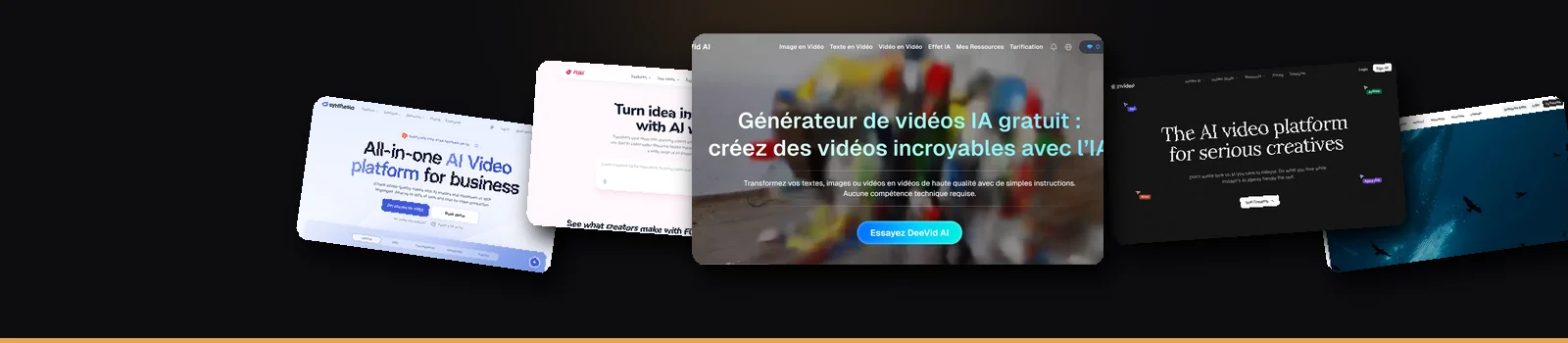
Pick an AI video tool with a free tier, choose a mode (text-to-video, image-to-video or avatar), write a specific prompt, generate, then refine over two or three passes and export. Beginners get the fastest results from an all-in-one app that bundles several models; specialists pick a dedicated tool per job. The rest of this guide shows you exactly how - and which tool fits which video.
What you actually need (it is less than you think)
Here is the part that surprises people: there is no gear list. No camera, no mic, no editing rig, no “learn After Effects first.” You need three things, and only one of them is technical.
- An idea you can describe in a sentence. Specificity is everything. “A golden retriever sprinting along a beach at sunset, slow motion, cinematic” gives the model something to grip. “A dog” gives it a coin flip.
- A tool that suits the job. A talking-head explainer, a moody cinematic shot and a faceless TikTok are three different problems - and, as you will see below, three different engines solve them best.
- A model under the hood. In 2026 the results that make people stop scrolling come from frontier models: Sora 2, Veo 3.1, Kling, Runway. Some apps let you switch between them mid-project, which matters more than it sounds - more on that when we get to what Deevid AI actually is.
That is the whole shopping list. Everything else is just knowing the loop.
How to make an AI video in 5 steps
Strip away the branding and almost every tool runs the same loop. Learn it once and you can sit down in front of any of them.
- Open a project and pick your mode. Sign up (nearly all have a free tier), then choose how you want to start: from text, from an image, or with an avatar. This single choice shapes everything after it.
- Write the prompt - like a director, not a search engine. Name the subject, the style, the lighting, the camera move and the mood. For avatars, you paste the script you want spoken instead. Vague in, generic out; this is where 80% of quality is won or lost.
- Set the model and the basics. Aspect ratio first (16:9 for YouTube, 9:16 for Shorts and TikTok), then length and quality. A heads-up nobody tells beginners: cranking quality to max burns credits fast, so prototype at a lower setting before the final render.
- Generate, judge, regenerate. Watch the clip with fresh eyes. If it misses, change one thing in the prompt and run it again. Two or three passes is normal - anyone telling you they nail it first try is editing the story afterwards.
- Edit and export. Trim the dead frames, stitch your shots, drop in captions and a voiceover, then export. On a free plan you will usually carry a watermark out the door; a paid plan strips it.
That is the entire pipeline. Notice what is missing: any mention of technical skill. The craft lives in the prompt and in picking the right model - not in menus.
The four kinds of AI video - and which one you mean
“AI video” is a suitcase word. Open it up and there are four quite different jobs inside, each with a different champion:
- Text-to-video. You describe a scene; the model invents the footage. This is your b-roll, your ads, your cinematic establishing shots. Sora 2, Veo 3.1, Kling and Runway are the names to know here.
- Image-to-video. You feed it a still - a product shot, a photo, a piece of art - and it brings it to life. Quietly the most useful mode for ecommerce, because one good photo becomes a moving ad.
- Avatar / talking-head. A digital presenter reads your script to camera. The workhorse format for explainers, onboarding and training, and the place where a specialist like HeyGen still pulls ahead.
- Faceless video. Script in, narrated video out, with AI voice over stock or generated visuals. If you have ever watched a “top 10” YouTube channel that never shows a face, this is how it is made now.
Most people need more than one of these over time. That is the whole argument for an all-in-one app instead of four subscriptions - the case we lay out in the best AI video generators roundup.
The tools worth your time
We ran the same briefs through each of these. Here is who wins what - try one free, or read the full head-to-head.
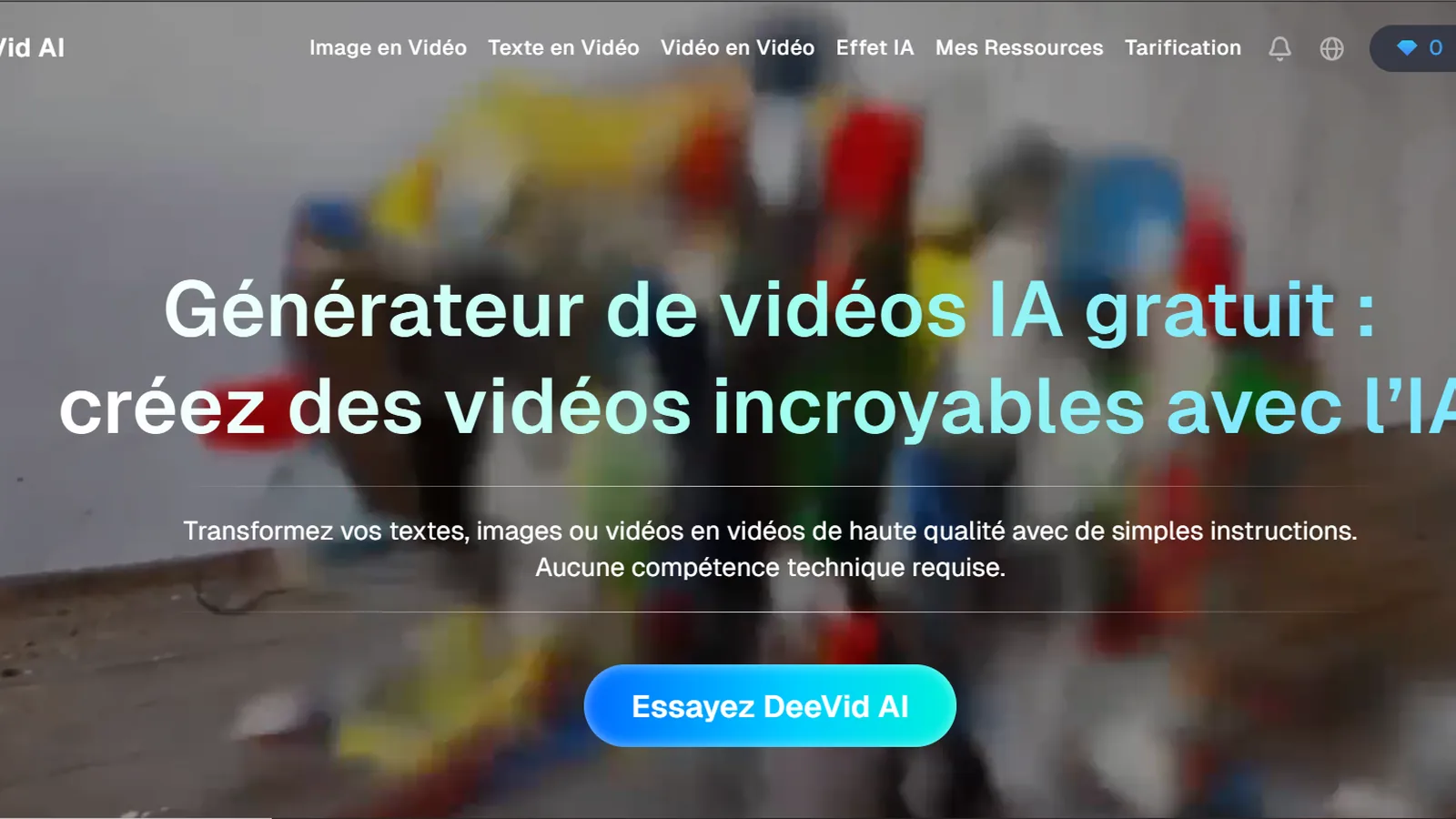
Deevid AI
Our top pick for versatility: Sora 2, Veo 3.1, Kling, Runway and Pika in one app, plus avatars and editing. The fastest way to match the model to the shot without five subscriptions.
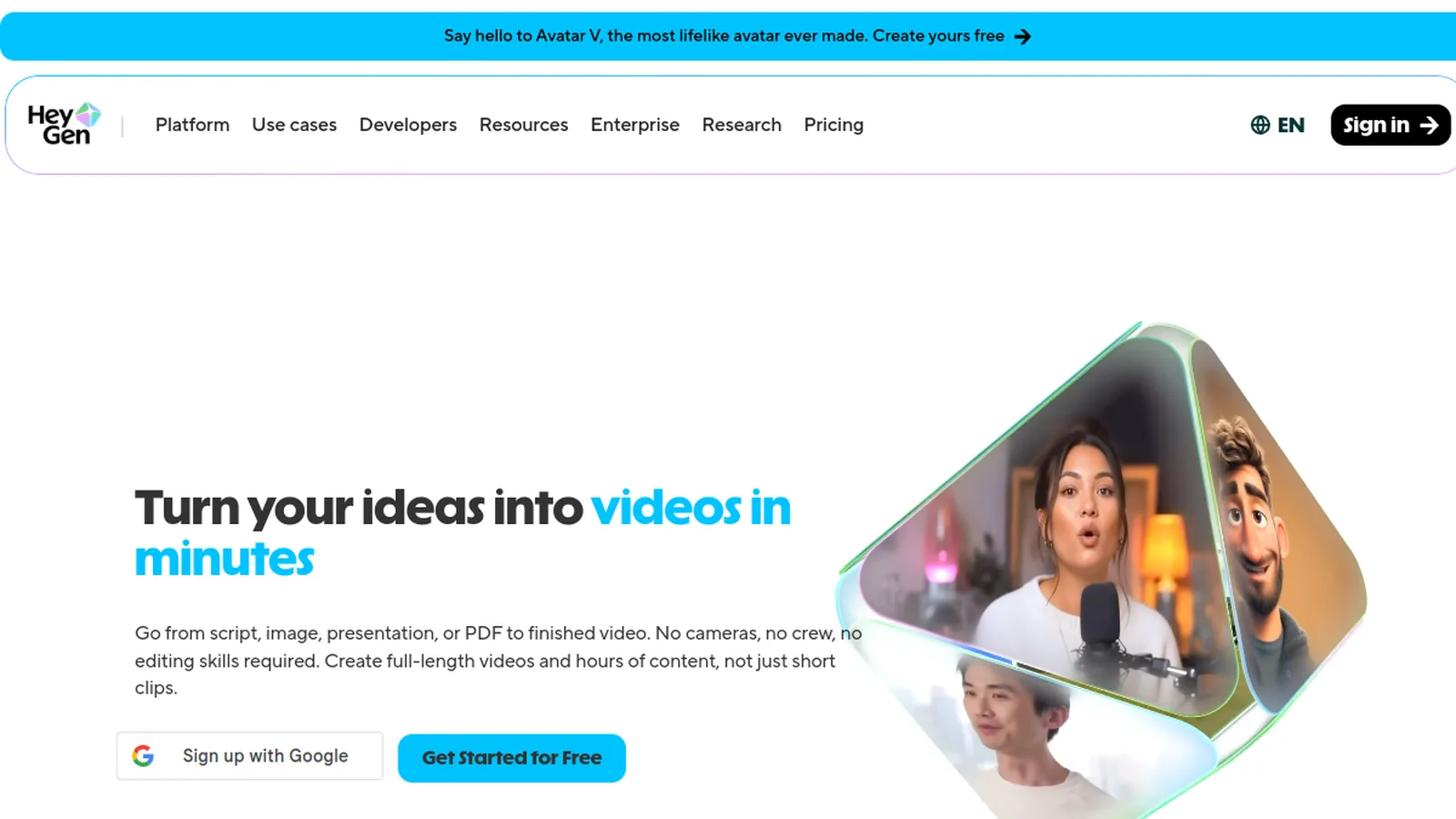
HeyGen
The benchmark for talking-head avatars. The most lifelike lip-sync on the market, plus voice cloning in 175+ languages - ideal for spokesperson and explainer video.
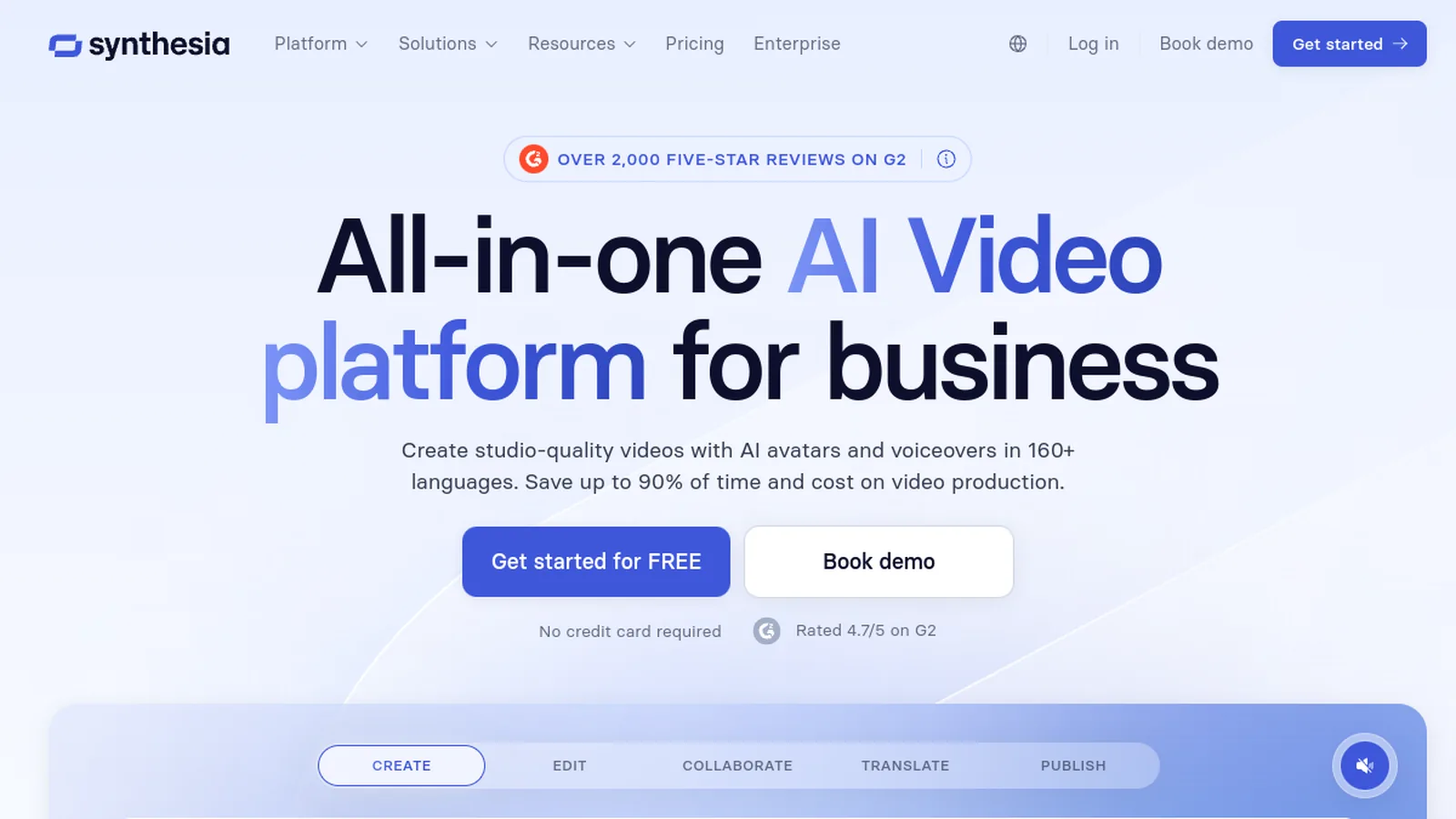
Synthesia
The enterprise-safe choice for training and SOPs at scale, with brand controls, SCORM export and 140+ languages. Built for L&D teams, not ad-hoc creators.
Runway
What serious creatives reach for when motion and art direction matter. Frame-level camera control and a steeper learning curve - power, not convenience.
Kling AI
Frontier-grade cinematic motion at a budget price, with daily free credits to experiment. A standout pure text-to-video model if you can live without the surrounding ecosystem.
InVideo
Idea-to-published social video in minutes, leaning on templates, stock and auto-captions. Less about jaw-dropping realism, more about shipping ad creative fast.
Fliki
The go-to for faceless, narration-led video. Paste a script, pick a remarkably natural AI voice, auto-match visuals - blog-to-video without showing your face.
Want to skip the tool-hopping? Deevid AI bundles the frontier models, avatars and editing in one place - with a free tier to start right now.
Try Deevid AI freeCan you make AI videos for free? Honestly, sort of
Yes - with an asterisk you should know about before you get attached. Almost every tool has a free tier, and almost every free tier does two things: it caps your minutes or credits, and it stamps a watermark across the result. Perfect for learning the ropes and testing ideas. Useless for anything you want to put your name on.
So play it smart. Burn the free credits to learn the loop and to compare a couple of models on the same prompt - then pay for the one tool that actually fits how you work, not the one with the loudest homepage. If you want to see what the plans really cost once you scale past the free tier, we broke it down in the pricing guide, and the most generous free options are flagged in our alternatives comparison.
5 mistakes that make AI video look fake
The gap between “obviously AI” and “wait, that was AI?” usually comes down to a handful of avoidable habits. Skip these and you are most of the way there.
- One long, drifting shot. Models lose the plot after a few seconds. Generate several 5-10 second clips and cut between them - it reads as intentional, not glitchy.
- A vague prompt. “A city at night” invites the model to guess. Give it a lens, a mood, a movement. Direction beats hope.
- Wrong model for the subject. A model tuned for cinematic scenery will mangle a human face, and vice versa. Match deliberately.
- Silence. Footage with no audio feels dead. A voiceover or a music bed lifts perceived quality more than another regeneration ever will.
- Shipping the first pass. The first output is a draft, not a deliverable. The people whose AI video looks effortless are simply the ones who ran it three more times.
A few habits that compound
Once the basics click, these are the things that quietly separate a good channel from a forgettable one:
- Keep a prompt library. When a prompt lands, save it. Your best work becomes a template you remix instead of reinventing.
- Steal structure, not clips. Watch what is already ranking for your topic, note the pacing and the hooks, then make it yours.
- Match the format to the platform. Vertical and punchy for TikTok and Reels; wider and slower for YouTube. Same idea, different cut.
Frequently asked questions
How do you make AI videos for free?
Sign up for a tool with a free tier, generate within its credit or minute limit, and export. Free output is watermarked and capped, so it is best for testing. To publish clean video you will need a paid plan - test free first, then upgrade only the tool that fits your workflow.
How do I make AI videos for YouTube?
For on-camera explainers, use an avatar tool and export in 16:9. For faceless channels, use a script-to-video tool with AI narration. For high-quality b-roll and scenes, a multi-model app gives you the most range. Generate short shots and stitch them in the editor.
How do I make AI videos for TikTok or Reels?
Set the aspect ratio to 9:16 (vertical), keep clips short and punchy, and add captions - most tools auto-generate them. Faceless and avatar formats both work well for short-form, and a strong first second matters more than anything else.
Can I make an AI video from text?
Yes - text-to-video is the most common mode. You describe the scene in a prompt and the model generates the footage. Frontier models like Sora 2, Veo 3.1, Kling and Runway produce the strongest results.
Can I turn a photo into an AI video?
Yes, that is image-to-video: you upload a still and the model animates it into a short clip. It is popular for product shots and bringing a single image to life.
Do I need editing skills to make AI videos?
No. The tools handle generation, captions and basic editing. The skill that matters is writing a clear prompt and picking the right model for the shot.
How long does it take to make an AI video?
A single short clip generates in roughly a minute. A polished, edited piece with several shots, captions and audio is usually a 20-40 minute job once you know the workflow - far faster than filming and editing the traditional way.
Make your first AI video today
Deevid AI bundles Sora 2, Veo 3.1, Kling, Runway and Pika with avatars and editing in one app - and a free tier to start. The shortest path from a prompt to a clip you are proud of.
Try Deevid AI free