AI kissing video generators take a still photo - or two - and animate a short clip where the people lean in for a kiss or a hug. The effect went viral because it needs zero editing skill: you upload, pick a template, and the model does the motion. There are a dozen of these tools now, most with a free way in, and the quality gap between them is wider than it looks. Below is the shortlist we recommend, what each one actually gives you for free, where the watermarks and limits kick in, and how to get a clean result on the first try.
Short answer
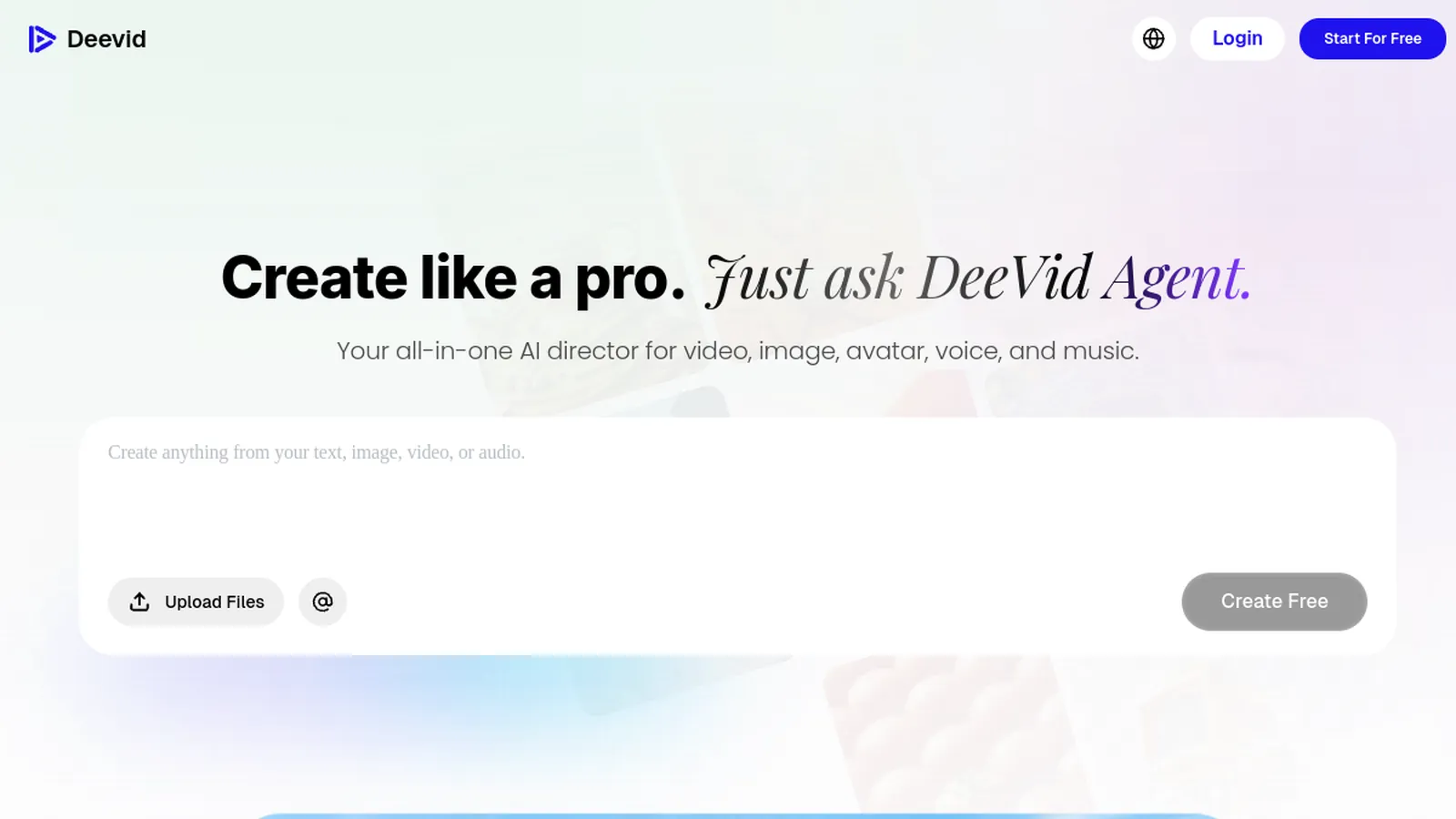
If you only want one quick kiss clip, a single-purpose tool like Vidu or EaseMate does it free in a couple of clicks. If you want the kiss effect and a full studio to keep making videos - hug, image-to-video, voiceover, upscaling - Deevid AI is the better home base: it bundles the effect with more than a dozen video models behind one login and has a free tier to test it. Pick a single-effect site for a one-off; pick Deevid if this is the first of many videos.
How AI kissing video generators work
Under the hood these are image-to-video models with a preset motion. You give the tool a face - or two faces - it maps the expressions and generates roughly a three-to-five-second clip of the kiss or hug. Almost all of them run in the browser on phone and desktop, so there is nothing to install. The whole flow takes under a minute once the queue clears:
Upload one photo (the tool adds a partner) or two photos to make two specific people kiss.
Choose the effect - soft kiss, French kiss, or hug - and a clip length if the tool lets you.
Generate, preview, then download. Free tiers usually add a small watermark or a short render queue.
Quick comparison
What you get on the free version of each tool, at a glance.
Tool
Free version
Best for
Deevid AI
Free plan with starter credits
Kiss + hug + a full video studio in one place
Vidu
Free to try
A single, clean kissing clip
DomoAI
Free templates
French-kiss and social-ready templates
EaseMate
Free, browser-based
A quick, no-frills kiss with no install
The shortlist
Ranked by how far the free version gets you and what you can do next.
#1
1
Deevid AI
Best overall
You want the kiss effect and everything else in one subscription.
Deevid bundles a kiss & hug effect with more than a dozen generative video models - Sora 2, Veo 3.1, Kling, Runway, Pika and others - behind a single login. So the romantic clip is a starting point, not the whole product: from the same editor you can turn any photo into video, add a voiceover, restyle a clip, or upscale the result to a cleaner resolution. That matters because most people who make one kissing video end up wanting a few more variations, or a hug version, or a slightly longer clip - and here you are not restarting on a different site each time. There is a free tier to sample it, and paid plans start at $10/mo, which is competitive given how many models sit behind the one subscription.
Strengths
Kiss and hug effects plus a full image-to-video studio
One login for a dozen-plus models instead of paying each tool separately
Free plan to test, then a low $10/mo entry point
Watch out
It is a broad platform, so a one-tap single-effect site can feel faster for a single throwaway clip.
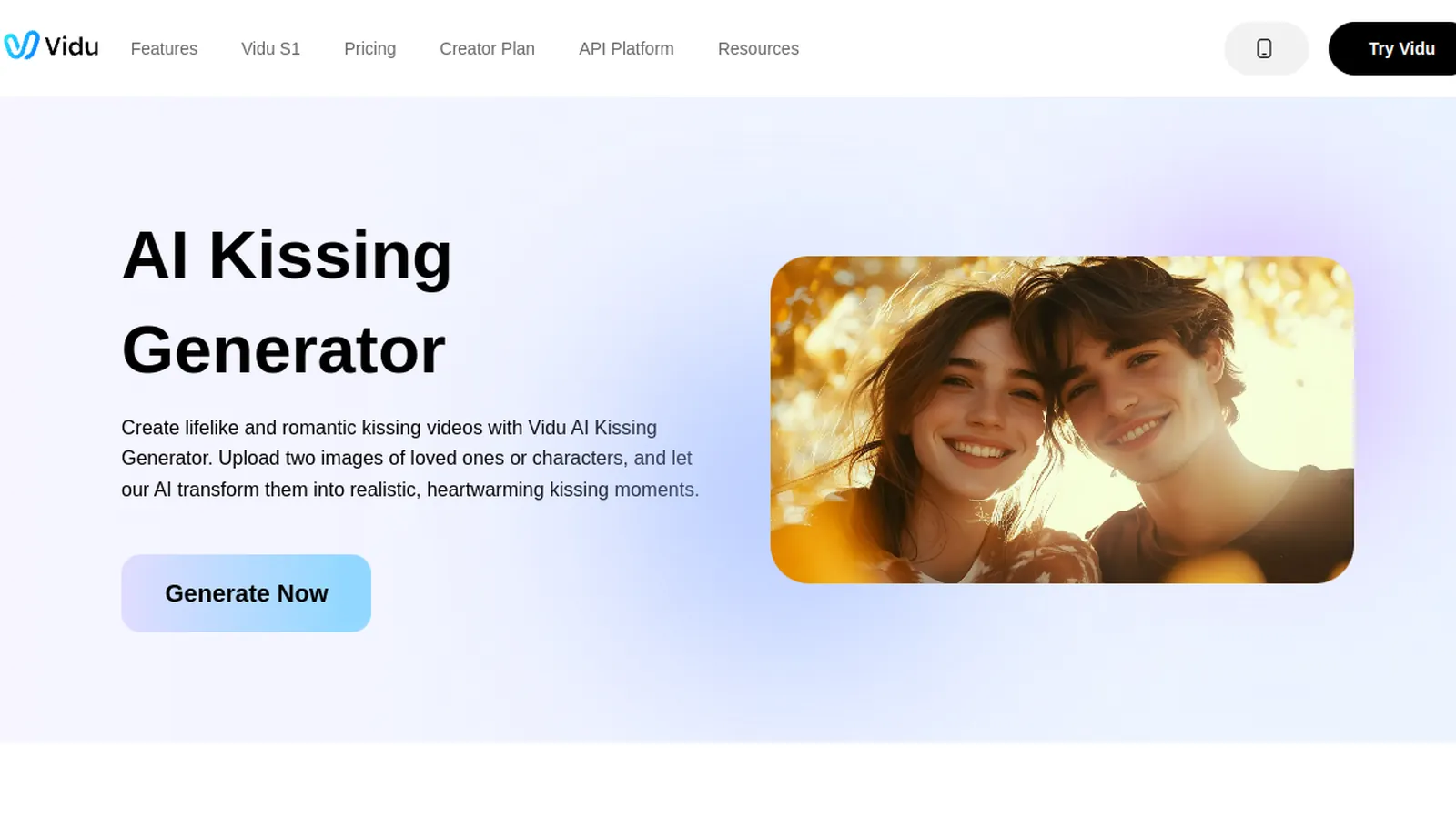
Vidu runs a dedicated AI kissing generator page built around this one effect. It is fast and focused: upload, generate, download. Because the whole interface is designed for the kiss, there is very little to learn, which makes it a good pick when you do not need a wider editor and just want the clip to share. The trade-off is exactly that focus - once your video is done, there is no broader toolkit to keep working in.
Strengths
Purpose-built for the kiss effect
Simple, fast flow with almost no learning curve
Free to try in the browser
Watch out
Single-purpose - no wider video toolkit once the clip is done.
You want ready-made romantic templates for social.
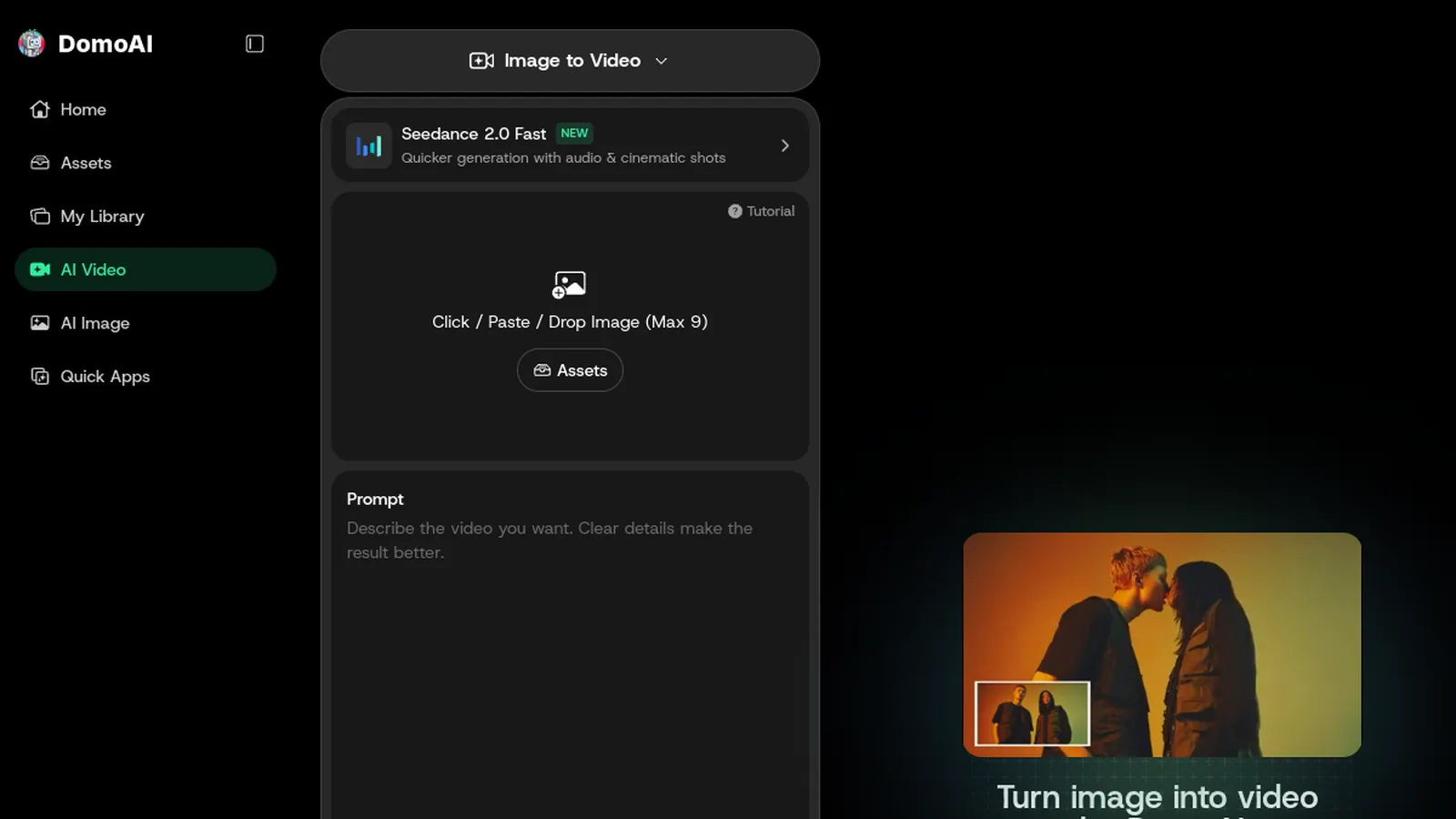
DomoAI leans into template-driven effects, including a dedicated French-kiss template, and is geared toward short clips built for social feeds. If you want a specific romantic style rather than a blank canvas, the templates get you there faster, and the output is sized with platforms like TikTok and Reels in mind. It is more of a template gallery than a full generator, so you trade fine control for speed and a consistent look.
Strengths
Ready-made kiss and French-kiss templates
Social-format friendly output
Free templates to start
Watch out
Template-first, so less control than a full image-to-video generator.
You want a quick clip with as little sign-up friction as possible.
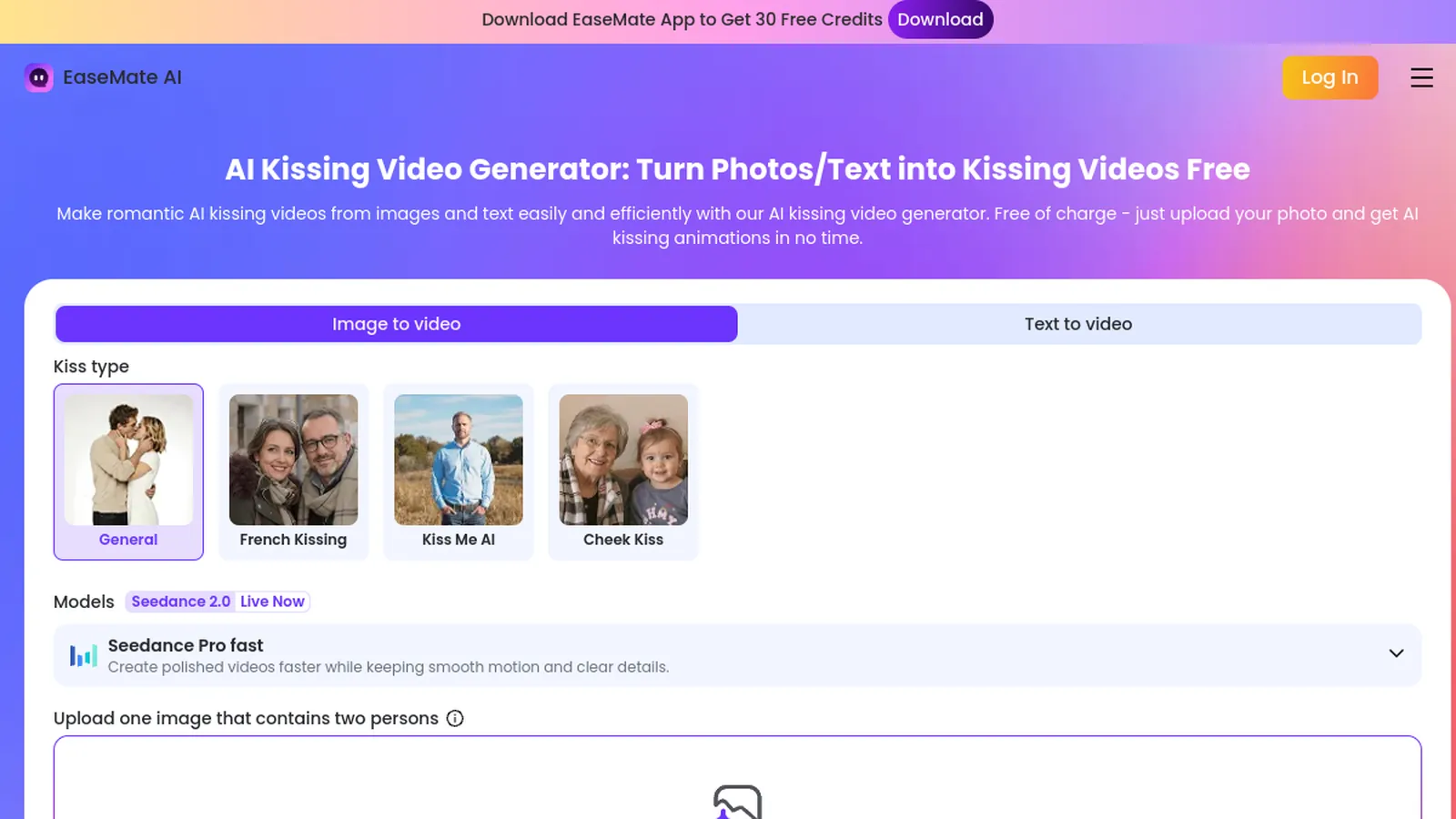
EaseMate offers a free, browser-based AI kissing video generator aimed at a fast, casual result. There is nothing to download and the flow is deliberately minimal, which makes it a reasonable fallback when you just want to try the effect once and see whether it is worth doing more seriously. Expect the usual free-tier trade-offs - a watermark, a queue, or a resolution cap - rather than studio-grade output.
Strengths
Free and browser-based, nothing to install
Very low friction to a first result
Good for a one-off test
Watch out
Basic output; expect free-tier limits like watermarks or slower queues.
The model can only work with what you feed it, and most bad results come from the source photos, not the tool. A few habits make the difference between a natural-looking clip and an uncanny one:
Use front-facing photos where both faces are clearly visible - profiles and heavy angles confuse the motion.
Match the lighting and rough resolution of the two photos so one face does not look pasted onto the other.
Avoid sunglasses, hats, or hands over the mouth; the model needs to see the lips and jaw to animate them.
Keep expressions neutral or lightly smiling in the source shots - the tool adds the lean-in, so you do not need to pose it.
If the first render looks off, regenerate once before changing tools; these models are partly random and the second pass is often cleaner.
AI kissing video vs AI hug video
The same tools that animate a kiss usually animate a hug, and the search demand splits fairly evenly between the two. A hug clip is a softer, safer option when you are making something for family, a friend, or a memorial - it carries the emotional beat without the romantic framing. Deevid, Vidu and DomoAI all offer both effects, so you can generate a kiss and a hug version from the same pair of photos and keep whichever reads better. If you are unsure which to send, the hug is almost always the more universally welcome choice.
Can you really make an AI kissing video for free?
Yes, and every tool above has a free way in. The trade-offs on free tiers are consistent across the category: a visible watermark, a slower generation queue, a daily cap on the number of clips, or a lower output resolution. Deevid's free plan gives you starter credits to test the effect inside the full editor; the single-purpose sites let you generate a clip or two before asking you to sign up or upgrade. There is no tool that is genuinely unlimited and watermark-free forever - that is what the paid plans are for. If you only need one clip, the free tier is plenty; if you expect to make several, a cheap paid month removes the watermark and the wait, and Deevid's $10 entry plan is the most flexible of the options here because it also unlocks everything else.
Is it safe - and is it okay to use someone's photo?
The tools themselves are ordinary web apps; the real question is consent. Only use photos of people who have agreed to it. Making a kissing or hug clip of someone without their permission - an ex, a celebrity, a stranger - can be hurtful, and in many places it can cross legal lines around likeness, defamation and harassment. Keep it to yourself, a willing partner, or clearly fictional AI faces, and read each tool's terms before uploading anyone's picture, since some store or reuse uploads. Never make this kind of clip of a minor. Used respectfully, on people who are in on it, it is a fun effect; used on someone who has not agreed, it is not.
FAQ
Can I make an AI kissing video for free without signing up?
Some single-purpose sites let you generate a clip before creating an account, but most tools ask you to sign up to download without a watermark. Deevid requires a free account and then gives you starter credits to try the effect inside the full editor.
Can I make two different photos kiss?
Yes - the two-photo mode is the main use case. You upload two faces and the model animates them leaning in together. Front-facing, well-lit photos of similar resolution give the cleanest result.
Is there a truly free, unlimited AI kissing video generator?
Not really. Every tool caps the free tier somehow - a watermark, a daily limit, a queue, or lower resolution. 'Unlimited' offers almost always mean unlimited on a paid plan. For a genuinely free single clip, use the free tier and accept the watermark.
Do these tools add a watermark?
On free tiers, usually yes, along with a queue or a daily cap. Paid plans remove the watermark and speed up generation. Deevid's paid plans start at $10/mo.
How long is the video, and can I make it longer?
Most kiss and hug clips are three to five seconds by default. Some tools let you extend the length or generate variations; a full studio like Deevid gives you more control over length and lets you stitch or restyle the clip afterward.
Is there an app, or is it all in the browser?
Most of these run in the browser on phone and desktop, so you don't need to install anything. Some also publish mobile apps, but the browser flow is the quickest way to test the effect.
Which one should I pick?
For a single free clip, Vidu or EaseMate. If you'll keep making videos - hugs, image-to-video, voiceovers, longer edits - start with Deevid so the kiss effect lives inside a full studio instead of a one-trick tool.
Our pick
For a one-off clip, any single-purpose tool here will do the job free - Vidu and EaseMate are the fastest routes to a first result. But if the kiss is the first of many videos you'll make, Deevid AI is the smarter home base: the same free account that animates a kiss also unlocks more than a dozen video models, image-to-video, voiceover and editing - so you're not hopping between single-effect sites every time, and the $10 plan removes the watermark while giving you far more than a kissing tool.