AI Video Prompts That Actually Work
Most disappointing AI video results are not the model's fault. The same tool that produces a mushy, warped clip for one user produces a clean cinematic shot for another, and the difference is almost always the prompt. After generating hundreds of clips across Deevid AI, Kling, Runway and HeyGen for our reviews, we have a repeatable structure that works across models. This guide gives you that structure, real examples you can copy, and the fixes for the errors we see most often.
A working AI video prompt describes one subject doing one action, then adds visual style, lighting, a single camera movement and a mood, in roughly 30 to 60 words. Write what the camera should see, not abstract ideas, and change one element at a time when you regenerate.
What makes an AI video prompt actually work
Video models are literal. They do not infer intent the way a chatbot does; they map your words to visual patterns learned from footage. That means the prompts that work are the ones that read like a shot description from a film set, not like a creative brief. "An emotional video about perseverance" gives the model nothing to render. "A marathon runner collapsing across a finish line in the rain, crowd blurred in the background" gives it everything.
Three principles separate usable prompts from wasted credits:
- One scene per prompt. Current models generate short clips, usually 5 to 10 seconds. Cramming two locations or a narrative arc into one prompt produces incoherent morphing. If you need a sequence, generate separate clips and edit them together.
- Concrete nouns and verbs. "A dog" is a coin flip. "A golden retriever puppy shaking water off its fur" is a shot. Specific verbs matter even more than adjectives because they define the motion the model must render.
- Visual language only. Sounds, smells and internal feelings do not render. Translate them: instead of "a tense atmosphere", write "harsh overhead fluorescent light, long shadows, empty corridor".
Prompting skill compounds with tool choice. If you have not settled on a generator yet, our ranking of the best AI video generators covers which models follow prompts most faithfully, and our Deevid AI overview explains how a multi-model platform lets you test one prompt against several engines.
The five-part prompt formula
Every strong text-to-video prompt we have written fits the same skeleton. Fill in these five slots, in this order, and you will land in the model's sweet spot almost every time:
- Subject and action. Who or what, doing exactly one thing. This is the core of the shot.
- Style. The overall look: cinematic realism, 35mm film, 3D animation, claymation, anime, documentary handheld.
- Lighting. Golden hour backlight, single softbox, neon signage, overcast diffuse light. Lighting is the cheapest way to make a clip look intentional.
- Camera movement. One move only: slow dolly-in, static locked-off shot, orbit, crane up, handheld follow. Two moves in one prompt is the fastest route to warped geometry.
- Mood. A closing phrase that biases color and pacing: serene and contemplative, tense and urgent, playful and bright.
Assembled, it looks like this: "A weathered fisherman in a yellow raincoat repairs a net on a wooden dock at dawn, cinematic realism, soft golden backlight with rolling fog, slow dolly-in from a low angle, quiet and contemplative mood." That is 34 words, one subject, one action, one camera move. It will produce a coherent shot on virtually any modern model.
Word count matters less than structure, but 30 to 60 words is the reliable range. Under 15 words, the model fills the gaps with generic choices. Past 90 words, most engines start dropping instructions silently, and you cannot tell which ones survived.
Prompt examples by generation mode
The formula flexes depending on whether you start from text, from an image, or from a script for an avatar. Here are working examples for each mode.
Text-to-video. The full five-part formula applies. Two examples that render cleanly:
- "A matte black wireless earbud rotating slowly on a white marble pedestal, studio product photography style, single softbox key light with a subtle rim light, locked-off macro shot, clean and premium mood."
- "A red vintage convertible driving along a coastal cliff road at sunset, 35mm film look with slight grain, warm backlight and lens flare, aerial tracking shot following from behind, nostalgic and free mood."
If you want to practice without spending anything, we keep an updated list of free text-to-video AI generators that are good enough for prompt drills.
Image-to-video. The image already defines subject, style and lighting, so your prompt should describe motion only. Re-describing the picture confuses the model and causes drift. A good animation prompt reads like: "Gentle wind moves her hair and the curtains behind her, the camera pushes in slowly, sunlight flickers softly through the window." Short, motion-focused, nothing about appearance. The same logic applies across the free image-to-video tools we have tested.
Avatar video. Here the prompt is really two inputs: the script the avatar speaks and delivery directions. Keep sentences short, write for the ear, and add explicit delivery notes where the platform supports them: "Read in a warm, confident tone. Pause briefly after the first sentence. Slightly faster on the final call to action." Scripts written like blog paragraphs sound robotic when spoken; scripts written like a friendly voicemail sound human.
Common mistakes and how to iterate
When a generation fails, the cause is usually one of five prompt errors:
- Overloading the scene. Three characters, a location change and a plot twist in eight seconds. Cut it to one subject, one action.
- Vague quality words. "Beautiful", "stunning" and "high quality" are dead weight. They describe your hopes, not the image. Replace them with lighting and style terms.
- Contradictions. "Fast-paced action, calm and peaceful mood" forces the model to average two opposites, and the average is mush.
- Relying on negations. Writing "no text, no blur, no extra fingers" in the main prompt often makes things worse, because you are still putting those concepts in front of the model. Use a dedicated negative prompt field if the tool has one; otherwise describe what you do want instead.
- Stacking camera moves. "Dolly-in while orbiting and craning up" is a recipe for melting backgrounds. Pick one.
Iteration is where prompting becomes a skill rather than a lottery. Treat each regeneration as an experiment: change exactly one variable at a time, whether that is the camera move, the lighting or the verb. If you change three things and the clip improves, you have learned nothing. Keep a simple prompt log with what you tried and what came out, and reuse your winning skeletons across projects. On models that expose a seed value, lock the seed while you refine wording so you can see the effect of each edit in isolation.
Which model for which prompt
The same prompt behaves differently on different engines, so match the model to the job before you start polishing words.
- Deevid AI bundles several leading video models behind one interface, which makes it the most practical place to test a prompt across engines and keep the best result. Plan details are in our Deevid AI pricing breakdown.
- Kling AI is the strongest choice for physics-heavy realism: water, fabric, hair and body motion. Prompts with precise action verbs shine here. See how it stacks up in our Deevid vs Kling comparison.
- Runway rewards director-style prompts and offers finer camera and motion controls, which suits stylized or experimental work. We cover the trade-offs in Deevid vs Runway.
- HeyGen is script-first: your prompting effort goes into writing natural spoken lines and delivery notes for a talking avatar, not into scene description.
A practical workflow: draft your prompt with the five-part formula, run it on two or three models through a hub like Deevid, compare the outputs side by side, then iterate only on the engine that got closest.
Tools that reward good prompting
These are the generators we used to test every prompt structure in this guide. Each one interprets the formula slightly differently, which is exactly why comparing outputs matters.
Deevid AI
Multi-model platform that runs your prompt on several top engines from one dashboard. The fastest way to find which model fits your style of prompting.
Kling AI
The realism specialist. Action-verb prompts with clear physics, such as water, wind and body movement, produce some of the most convincing motion available.
Runway
Built for creative control, with camera tools and motion settings that let director-style prompts go further than plain text alone.
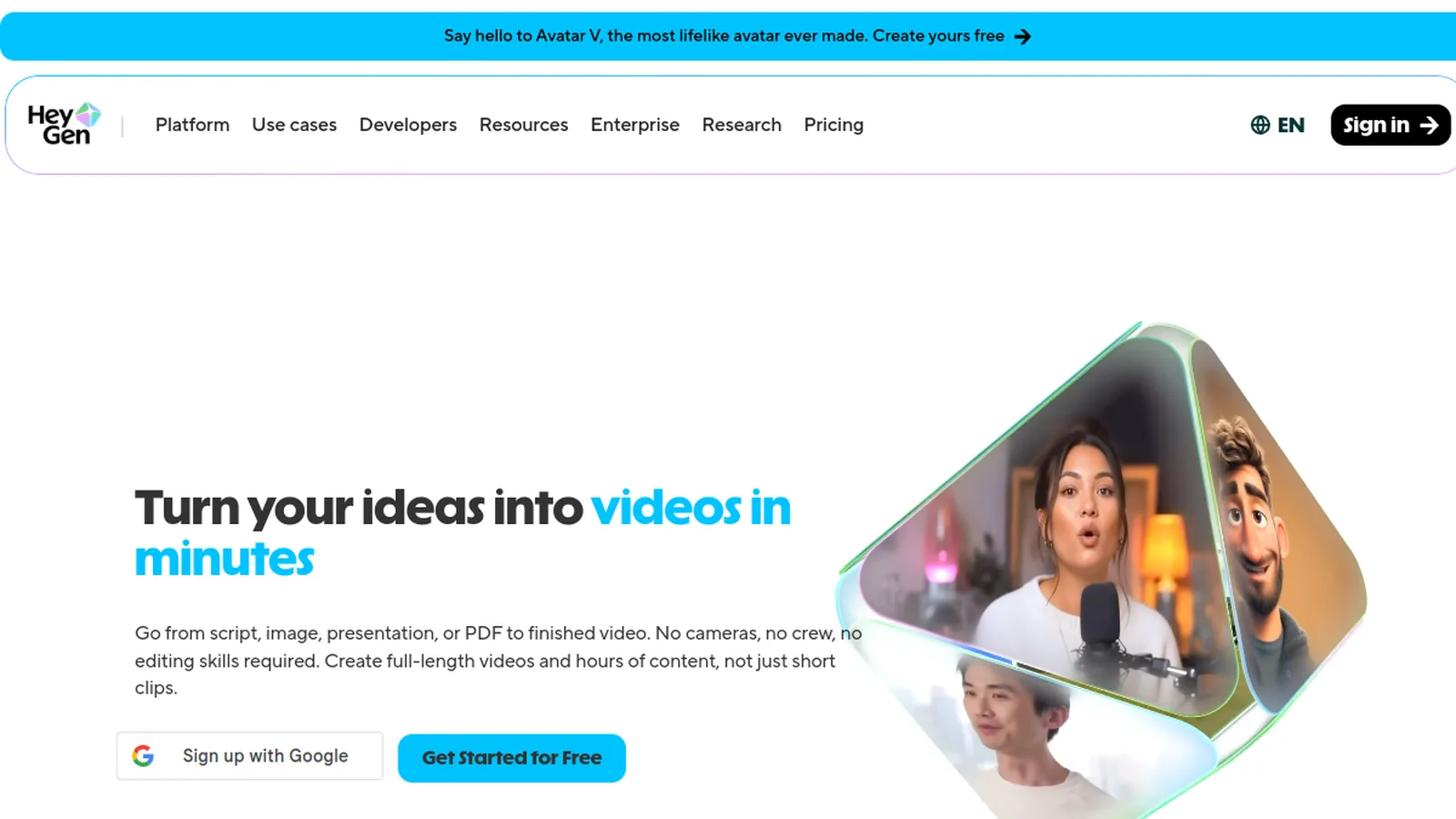
HeyGen
Avatar-first generator where the script is the prompt. Strong pick for talking-head videos, explainers and localized versions of the same message.
Want to test these exact prompts across several models without juggling subscriptions? Deevid AI gives you multiple engines under a single plan.
Try Deevid AIFrequently asked questions
How do you write AI video prompts?
Describe one subject doing one action, then add four layers in order: visual style, lighting, a single camera movement and a mood. Keep it between 30 and 60 words, use concrete nouns and verbs, and avoid abstract concepts the camera cannot see. This structure works across Deevid, Kling, Runway and most other generators.
What are some good AI video prompt examples?
A reliable example: 'A weathered fisherman in a yellow raincoat repairs a net on a wooden dock at dawn, cinematic realism, soft golden backlight with rolling fog, slow dolly-in from a low angle, quiet and contemplative mood.' Swap the subject, action and setting while keeping the structure and you have a reusable template.
What are the best AI video prompts for realistic footage?
Realism comes from film language: name a lens or format such as 35mm, specify natural lighting like golden hour or overcast diffuse light, pick one grounded camera move, and describe physical motion precisely. Models tuned for realism, Kling in particular, respond strongly to accurate physics verbs like 'splashes', 'billows' or 'stumbles'.
How long should an AI video prompt be?
Aim for 30 to 60 words. Shorter prompts leave too many decisions to the model, and very long prompts get partially ignored on most engines. If you need more detail, spend the words on lighting and camera direction rather than extra adjectives.
Do negative prompts work for AI video?
Only when the tool provides a dedicated negative prompt field. Writing 'no blur' or 'no extra fingers' inside the main prompt tends to backfire because the unwanted concept is still fed to the model. When there is no negative field, describe the positive alternative instead, such as 'sharp focus' or 'hands resting on the table'.
Can I use the same prompt on different AI video generators?
Yes, and you should. The five-part formula is model-agnostic, but each engine weighs the parts differently: some prioritize camera instructions, others style keywords. Running one prompt through a multi-model tool like Deevid AI shows you those differences immediately and tells you where to iterate.
Put these prompts to work
The fastest way to improve is to run the same prompt on several models and study the differences. Deevid AI bundles the leading video engines under one plan, so you can test the formula from this guide side by side and keep only the best takes.
Try Deevid AI free