How to Make AI Videos for TikTok and Reels
Short-form video rewards people who publish often. That used to mean filming, editing and captioning something new every single day. AI video generators change the equation: you type a script or upload a photo, and you get a vertical clip with voice-over and captions in minutes. This guide walks through the full workflow for TikTok, Instagram Reels and YouTube Shorts - the format settings that matter, the video styles that perform, and the tools we would actually start with.
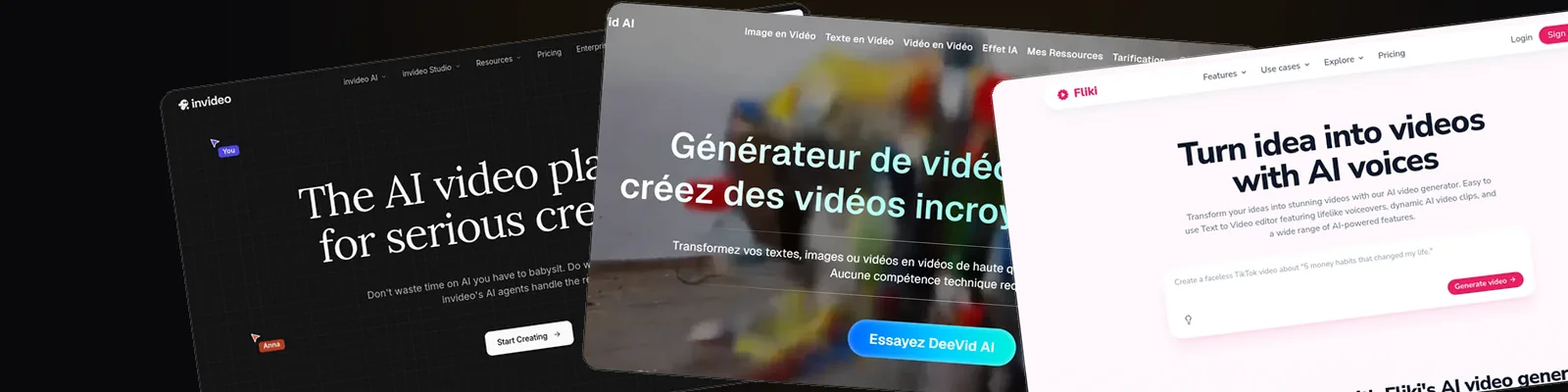
Write a short script with a strong first line, generate the visuals in vertical 9:16 with a tool like Deevid AI, add an AI voice-over and auto captions, then export without a watermark and upload natively in the TikTok app. The same file works on Reels and Shorts.
Why AI fits short-form video so well
Most AI video generators still struggle with long, coherent footage. Clips come out in segments of a few seconds, and consistency drops the longer you push. On YouTube that is a real limitation. On TikTok and Reels it barely matters: the format is built around short scenes, fast cuts and constant visual change, so the technology's main weakness is invisible.
A 30-second video is just a handful of generated clips stitched over a voice-over. You do not need an actor, a camera or an editor, and you can produce several variations of the same idea to test different hooks - something that is painful when every video requires a shoot.
The other advantage is iteration speed. Trends on TikTok move in days, and when you can go from idea to published video in under an hour, you can actually ride them. If you have not picked a generator yet, our ranking of the best AI video generators is a good starting point; the rest of this guide focuses on the workflow.
How to make an AI video for TikTok, step by step
This workflow applies in Deevid AI and most comparable tools. The order matters more than the tool.
1. Write the script around the first second
TikTok keeps showing your video based on how long people watch, and most viewers decide in the first second. Write the hook line first - a question, a bold claim or the result you are about to show - then build 60 to 90 words behind it. That covers a 30 to 40 second video.
2. Set 9:16 before you generate
Always generate in vertical 9:16 (1080 x 1920) from the start. Cropping a horizontal AI clip afterwards cuts off the subject and looks like a repost. Most generators, Deevid included, let you pick the aspect ratio before rendering.
3. Generate in short scenes
Instead of asking for one long clip, generate four to six scenes of a few seconds each and cut between them. Short scenes hide the small artifacts AI still produces, and the pace matches the feed. If you already have photos or product shots, animating them is often faster than pure text generation - our guide to free image to video AI tools covers that route.
4. Add voice-over and captions
A large share of feed viewers watch with sound off, so burned-in captions are not optional. Use your generator's auto-caption feature or TikTok's own, keep the text big and inside the safe zone, and highlight one or two key words per line.
5. Export clean and post natively
Export without a watermark, since platforms tend to favor native-looking uploads, and add trending audio inside the TikTok or Instagram app rather than auto-posting from the generator, so you can attach a sound, hashtags and an on-screen hook.
The AI video formats that perform on TikTok
Not every AI style translates to short-form. Three formats come up again and again in feeds, and all three are easy to produce.
Faceless narrated videos
The workhorse of AI accounts: a voice-over reads the script while generated or stock visuals illustrate it. Lists, stories, facts, product roundups - it fits almost any niche and requires zero filming. InVideo and Fliki were practically built for this.
Avatar videos
An AI presenter delivers your script to camera. This suits tips, explainers and brand accounts that want a face without putting a founder on camera. HeyGen is the reference here, and it features in the tool list below.
Viral effect videos
Effect-driven clips - AI kissing, hugging and dance videos made from one or two photos - are their own genre on TikTok. They take minutes to produce and the effect itself is the hook. If that is your angle, our breakdown of the best AI kissing video generators covers the options; Deevid AI ships most of these effects natively.
Whatever you pick, commit to one format for a stretch of posts. A recognizable style is easier for viewers - and the algorithm - to categorize.
The best tools for TikTok AI videos
We compared the main generators on this exact use case: vertical output, caption quality, voice options and how fast you get from script to post. Four stand out. If you are hesitating between our top pick and the template-based options, the head-to-head results are in Deevid vs InVideo and Deevid vs Fliki.
Four generators that fit short-form
Each of these covers a different way of producing TikTok and Reels content. Start with the one that matches your format, not the one with the longest feature list.
Deevid AI
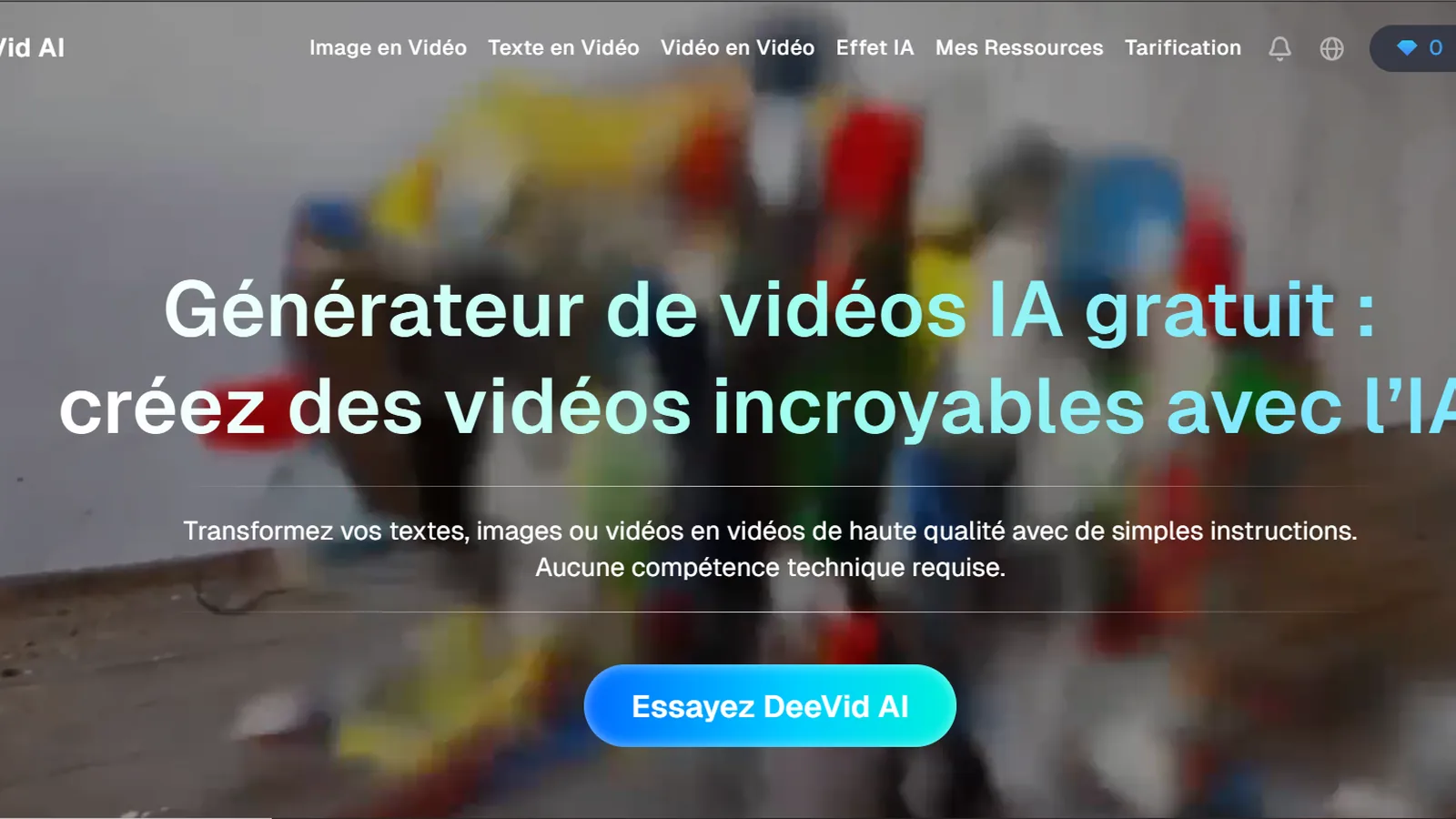
The all-in-one option for short-form: text to video, image to video, avatars and the viral effects library (kissing, hugging, dance) in one place, with vertical presets, auto captions and a large voice library. If you want a single tool for every format in this guide, this is it.

InVideo
Built around templates and stock footage, which makes it the fastest route to faceless narrated videos. You describe the video, it assembles scenes, voice-over and captions. Less flexible for effects and pure generation.
Fliki
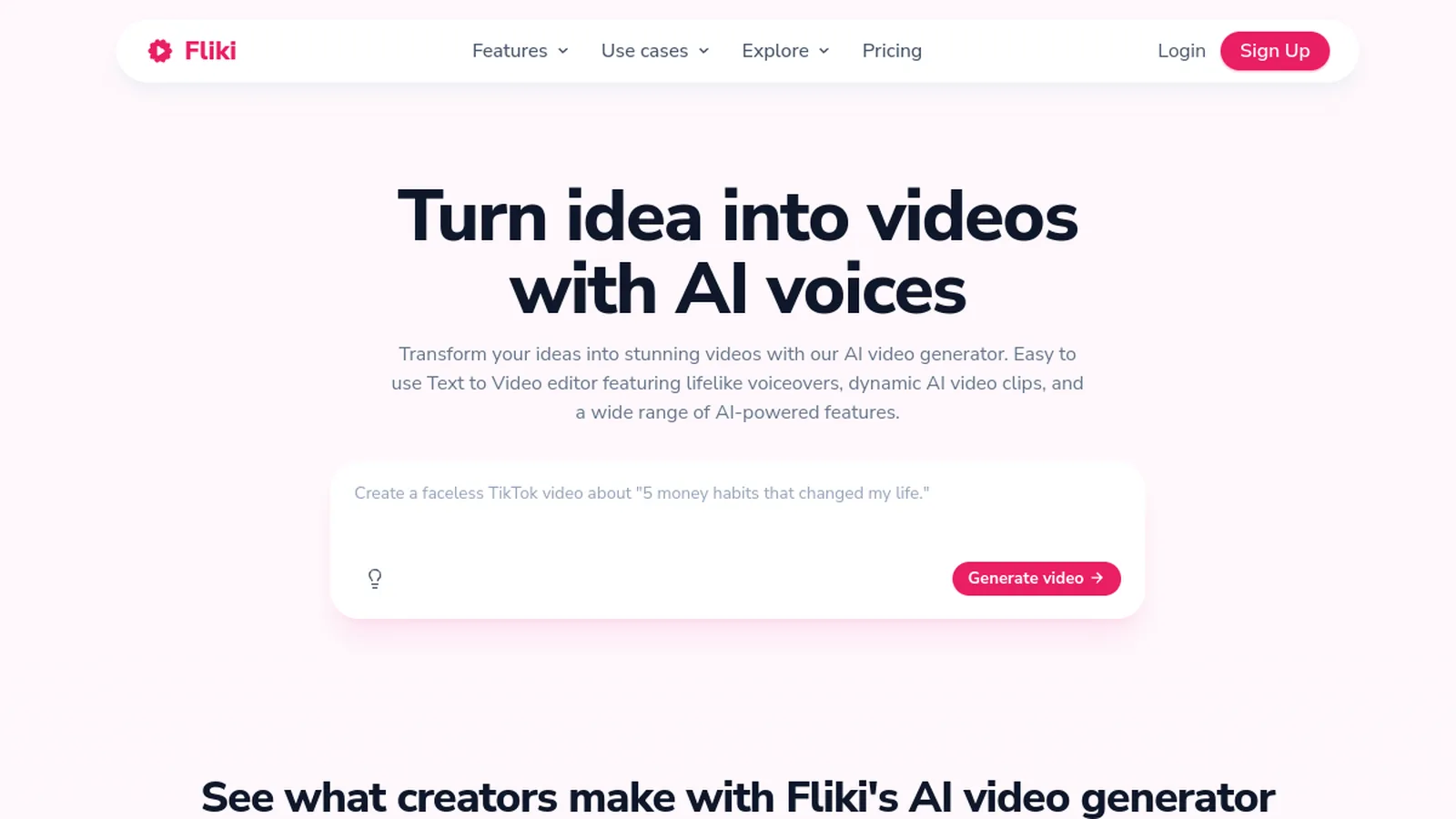
Text to speech first, video second. Its voices are among the most natural in the category, so it suits narration-heavy formats like facts, stories and listicles. Visuals lean on stock media more than generation.
HeyGen
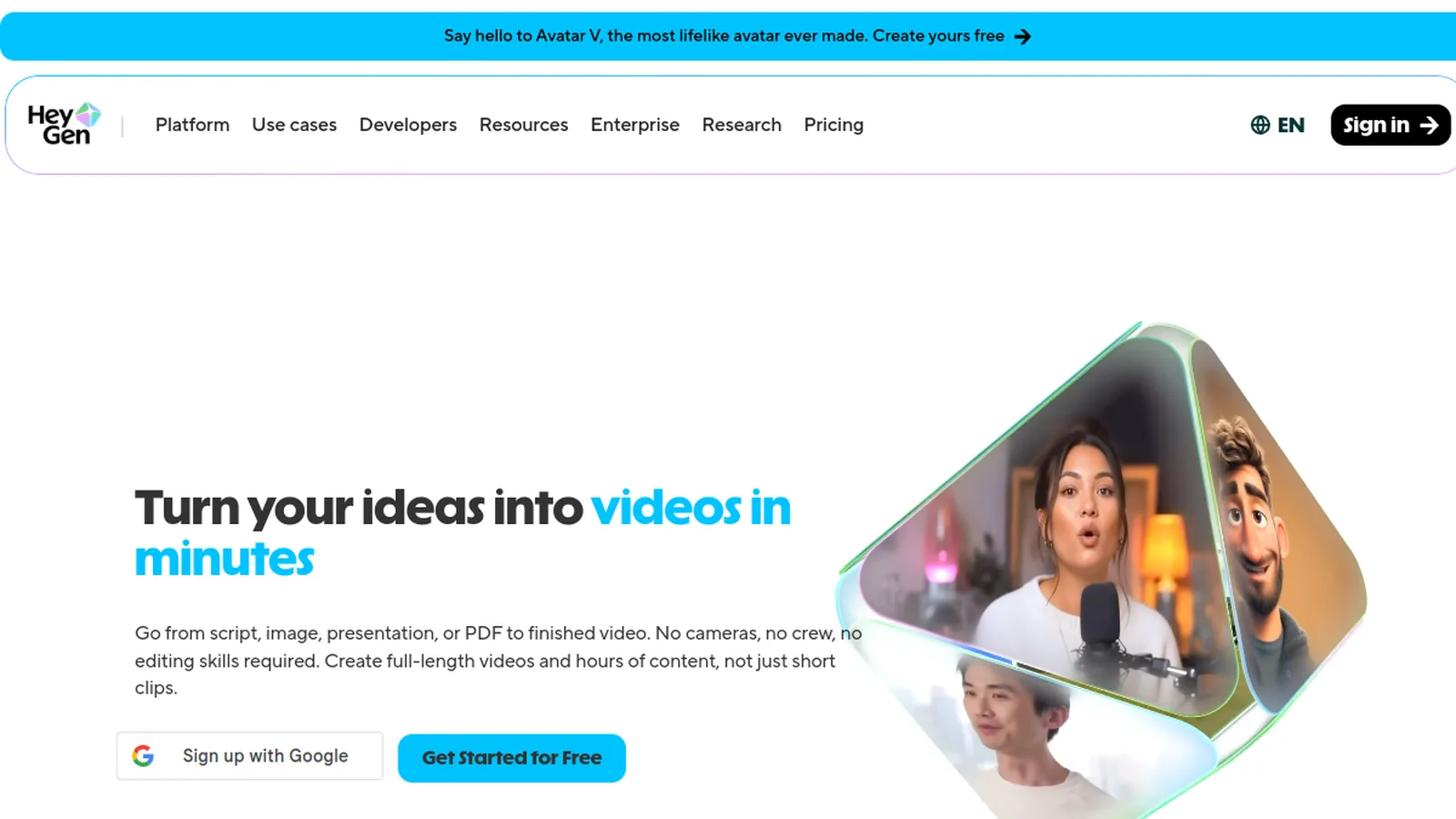
The specialist for avatar videos. Pick or clone a presenter, paste your script, and get a talking-head clip that works well for tips and explainers. You will still want another tool for effects and b-roll.
Want to skip the tool-shopping phase? Deevid AI covers text to video, image animation and the viral effects in one dashboard, with free credits to test it on your first TikTok.
Try Deevid AI for freeVoice-over, music and the free vs paid question
Voice-over. A robotic default voice is the fastest way to get scrolled past. Pick a natural voice, slow it slightly, and keep sentences short so the pacing feels human. Fliki and Deevid both include large voice libraries, and recording your own voice over AI visuals is a strong middle ground that makes the content feel less automated.
Music. Add music inside TikTok or Instagram rather than baking it into the export. You get the platform's licensed library, and picking a trending sound is one of the few discovery levers you control directly.
Free or paid? You can absolutely start free. Most generators, Deevid included, offer free credits, and we keep an updated list of free text to video AI tools if budget is the priority. The catch is always the same: watermarks, lower resolution and monthly credit caps. Once you post several times a week, a paid plan removes that friction - see the Deevid AI pricing page for what each tier actually unlocks.
Frequently asked questions
Can you post AI-generated videos on TikTok?
Yes. TikTok allows AI content, but its rules require you to label realistic AI-generated media with the built-in AI-generated content toggle. Clearly stylized clips are less of a gray area, but turning the label on is the safe habit.
What is the best AI video generator for TikTok?
It depends on your format. Deevid AI is the strongest all-rounder because it handles text to video, image to video and viral effects in vertical format. HeyGen wins for avatar videos, while InVideo and Fliki fit faceless narrated content best.
How can I make AI videos for TikTok for free?
Most generators offer free credits or a free tier, usually with a watermark and resolution limits. That is enough to learn the workflow and test a few formats before paying anything. Deevid AI, InVideo and Fliki all offer a free starting point.
What size and length should an AI TikTok video be?
Use vertical 9:16 at 1080 x 1920 pixels. For length, short-form rewards complete watches, so 20 to 40 seconds is a practical range for AI content: long enough to say something, short enough to hold attention to the end.
Do AI videos get less reach than filmed videos?
Neither TikTok nor Instagram has announced a penalty for AI content as such. What hurts reach is what always has: weak hooks, watermarks from other apps and low watch time. A well-paced AI video with captions and a strong first second competes on the same terms.
Can I reuse the same AI video on Reels and Shorts?
Yes. The 9:16 file works across TikTok, Reels and Shorts. Export a clean version without any platform watermark, upload natively in each app, and adapt the caption text and sounds per platform, since trending audio does not carry over.
Ready to make your first AI video for TikTok?
Deevid AI takes you from script to a vertical, captioned clip in one sitting - text to video, image animation, avatars and the viral effects included. Test it on one idea today and judge the result in your own feed.
Try Deevid AI